


Getting Started – Next Steps
ZEISS REVERSE ENGINEERING: Edit and align meshes
Let Josh show you how to align and edit your mesh in ZEISS REVERSE ENGINEERING. Step 1: Align your mesh with the “best fit via three planes” function to review your part in an intuitive manner. Step 2: Edit your mesh by closing small holes with the “fill holes in mesh automatically” function. Now you have a fully closed and aligned mesh without any unwanted data – and you’re ready to start the reverse engineering process.
All functions shown are available in the current software version.
Got any questions on the ZEISS software? Contact us via support@HandsOnMetrology.com
Next Episodes

Getting Started – Next Steps
How to inspect multiple parts with ZEISS ScanCobot 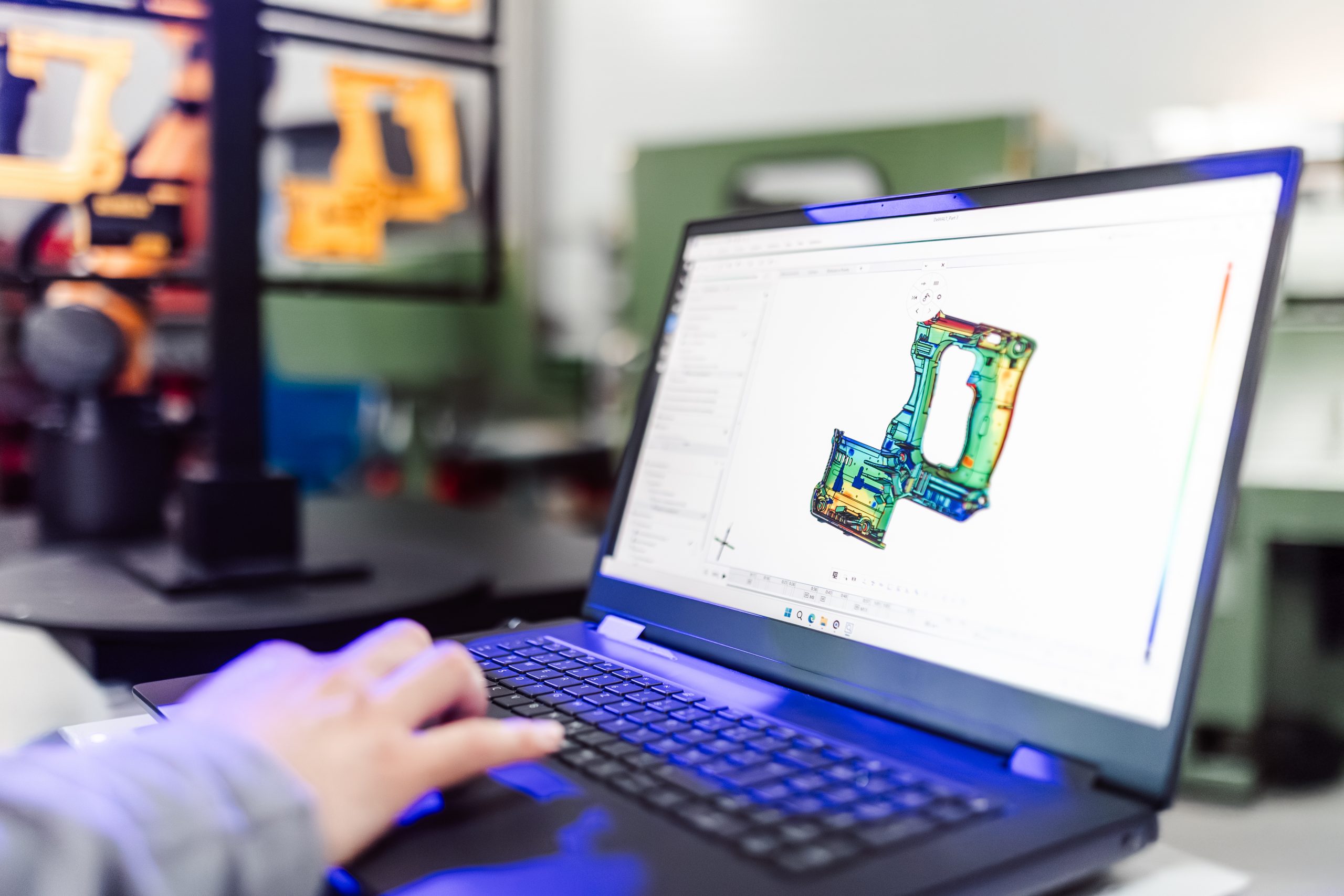
Getting Started – Next Steps
How to update software programs for new CAD designs