


How to
How to set up kiosk mode
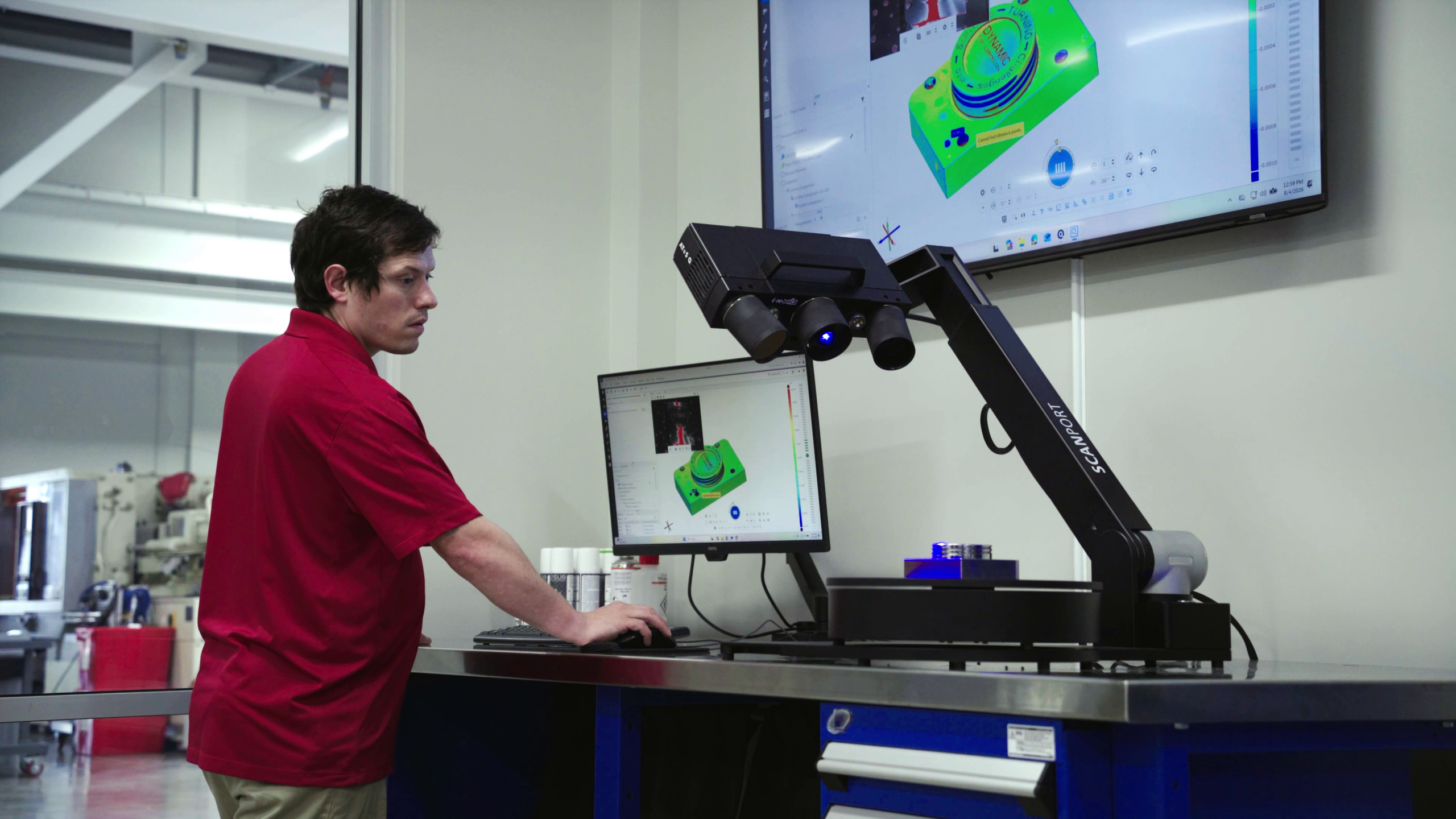
Discover how to set up the kiosk mode of ZEISS ScanPort for easy automated 3D scanning. This video guides you through the configuration process, template creation and demonstrates how you can achieve highly reproducible scanning results with minimal effort.
Do you have any question on our solutions? Contact us via support@HandsOnMetrology.com
Next Episodes
How to
Dynamic Tool Corporation: Robust and repeatable injection molds 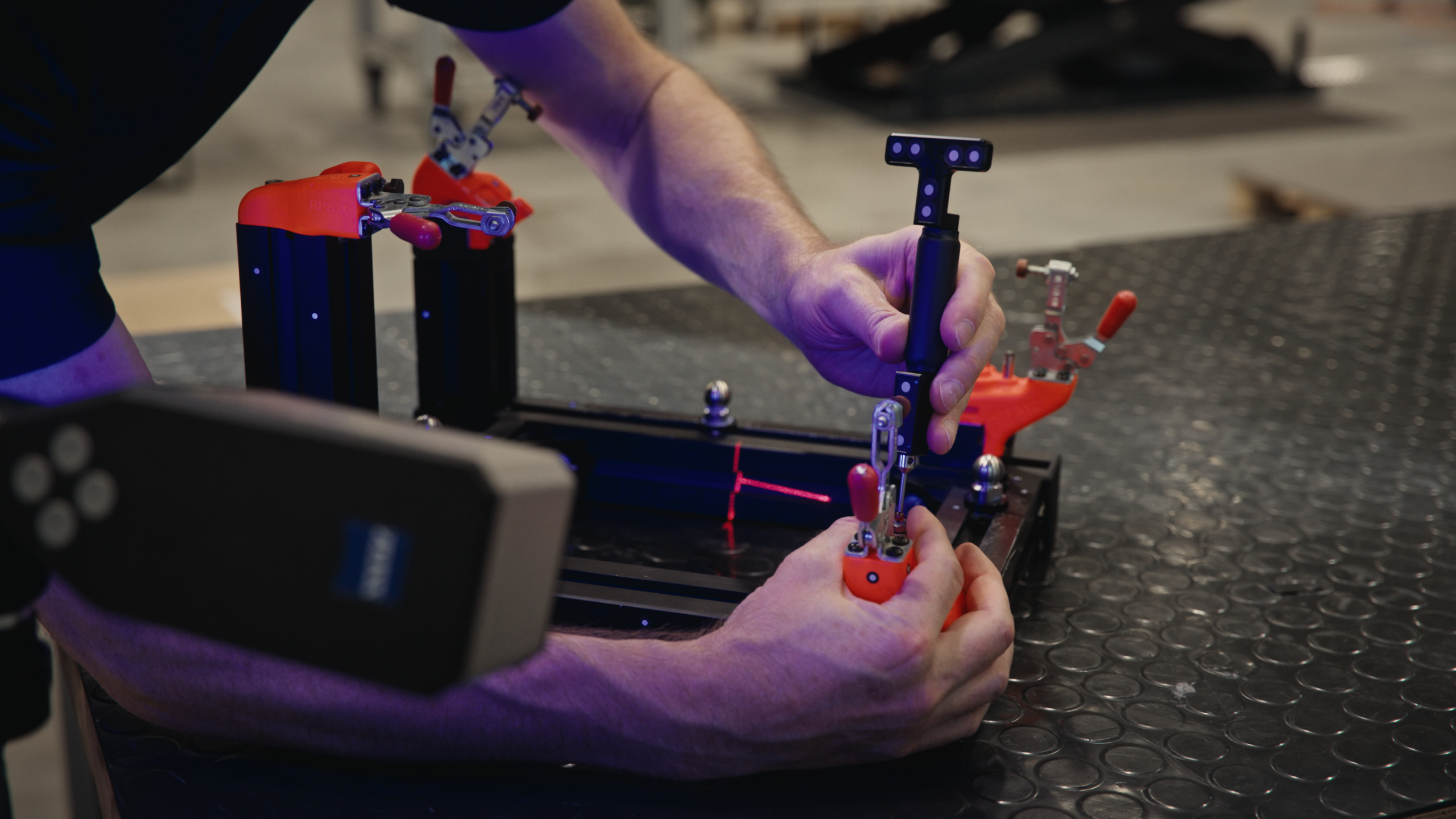
How to
How to use a touch probe with 3D laser scanners