


Zeiss Reverse Engineering
Scan to CAD for geometrical part
Follow Josh’s instructions to scanning a geometrical part and transforming it into a CAD model using ZEISS REVERSE ENGINEERING and the GOM Scan 1. First, he scans a symmetrical part and cuts it in half. Then, he creates basic elements of the part with planes from the mesh. Next, he creates a body from these elements and add details. Finally, he mirrors the part – and has a perfect CAD model of the part.
Next Episodes
Zeiss Reverse Engineering
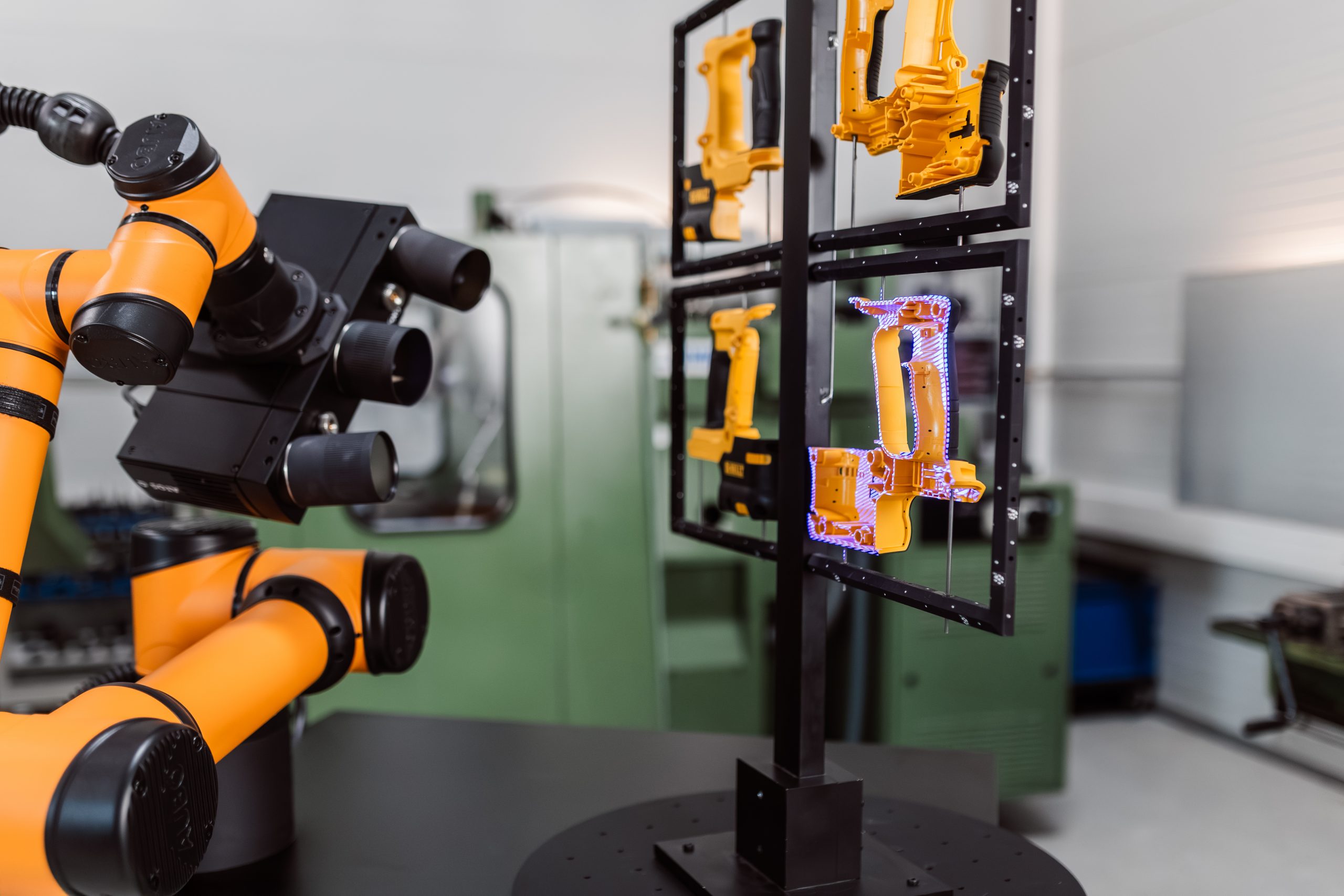
How to inspect multiple parts with ZEISS ScanCobot 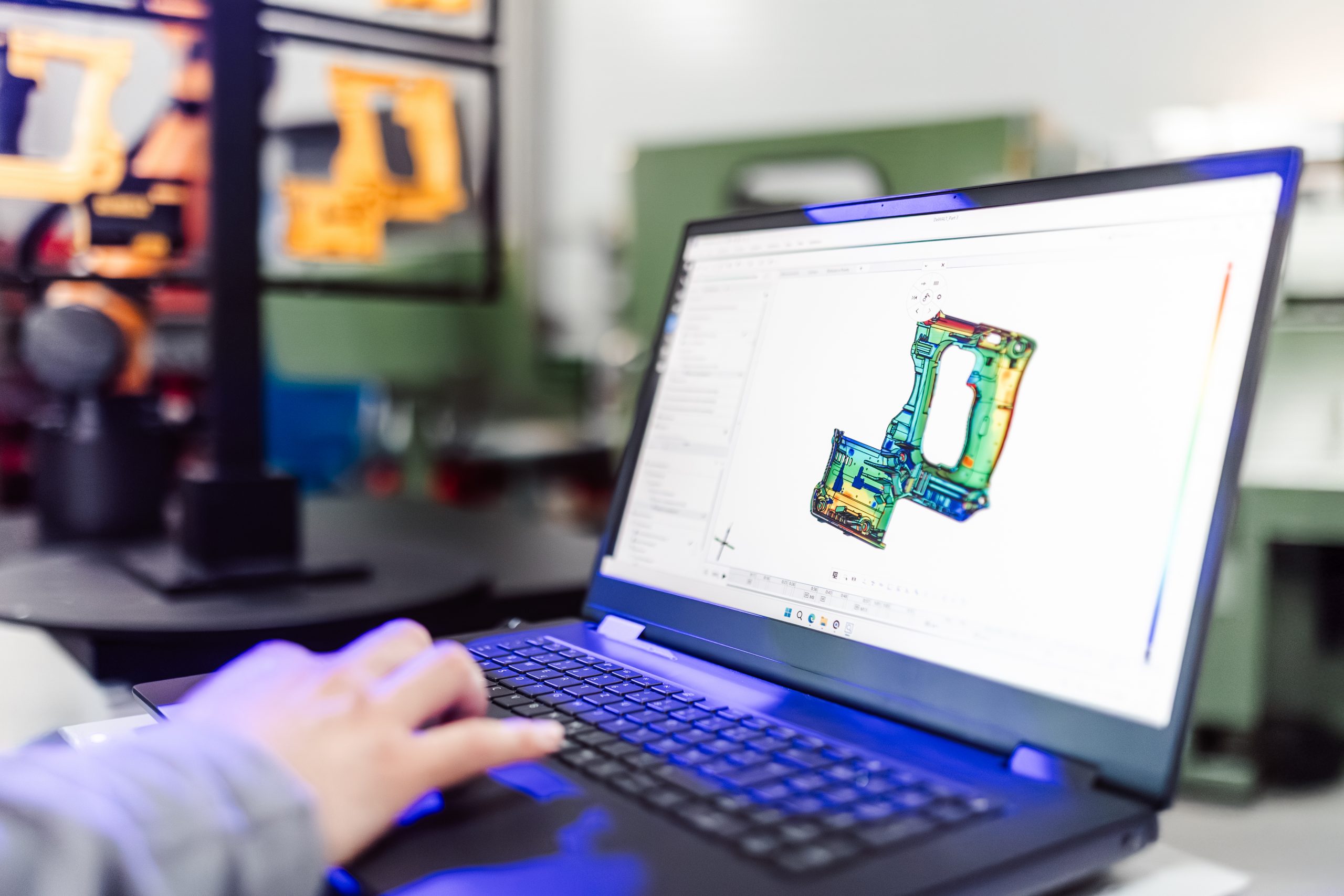
Zeiss Reverse Engineering
How to update software programs for new CAD designs