


Zeiss Reverse Engineering
Scan to CAD for freeform part
Discover how Josh uses the software ZEISS REVERSE ENGINEERING to create a mold for a freeform shaped part. First, he creates a freeform surface of an already scanned part. Then, he creates a solid cube around the part. Finally, he subtracts the freeform surface from the cube to create the final mold.
Next Episodes
Zeiss Reverse Engineering
How to inspect tubes and pipes using a 3D laser scanner 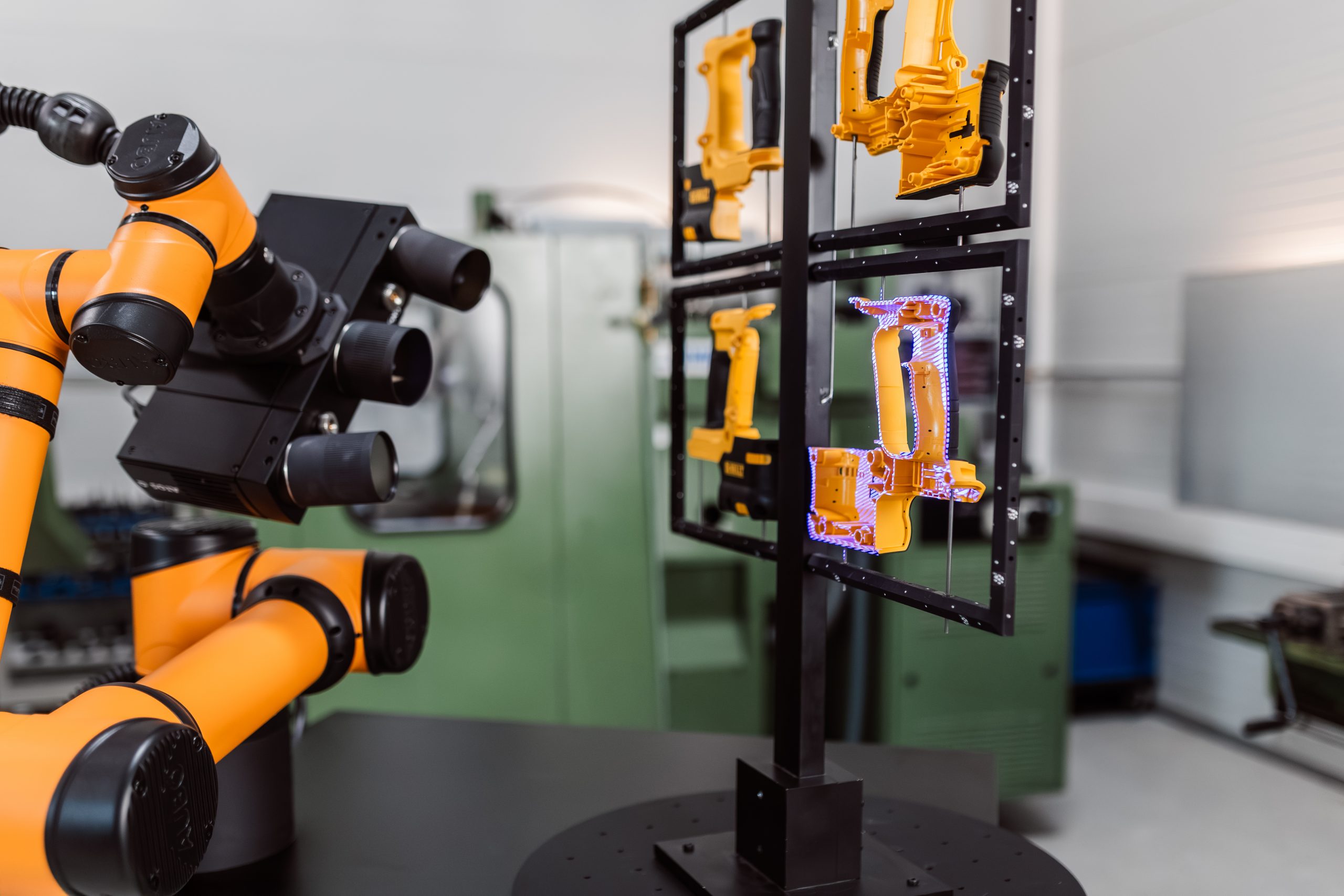
Zeiss Reverse Engineering
How to inspect multiple parts with ZEISS ScanCobot