


How to
How to create a CAD file out of manually modelled parts
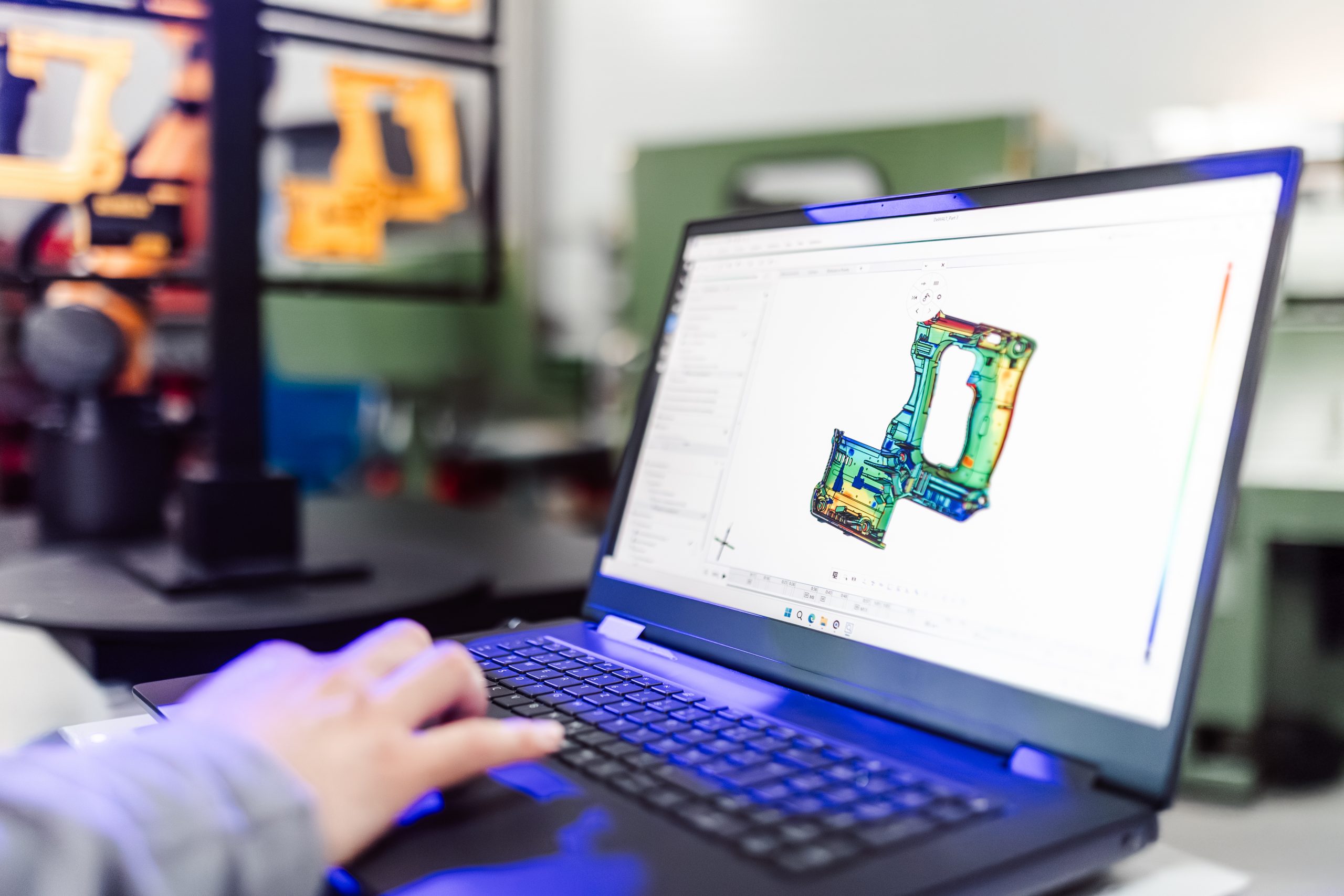
Looking for an easy way to create a CAD out of your individually modelled part? Let Matt show you how! With the help of the ATOS Q and the ZEISS REVERSE ENGINEERING software the part gets digitized and undergoes step by step virtual modeling. Helpful features support the process to enable fast and intuitive work.
All functions shown are available in the current software version.
Got any questions on 3D scanning? Contact us via support@HandsOnMetrology.com
Next Episodes
How to
How to update software programs for new CAD designs 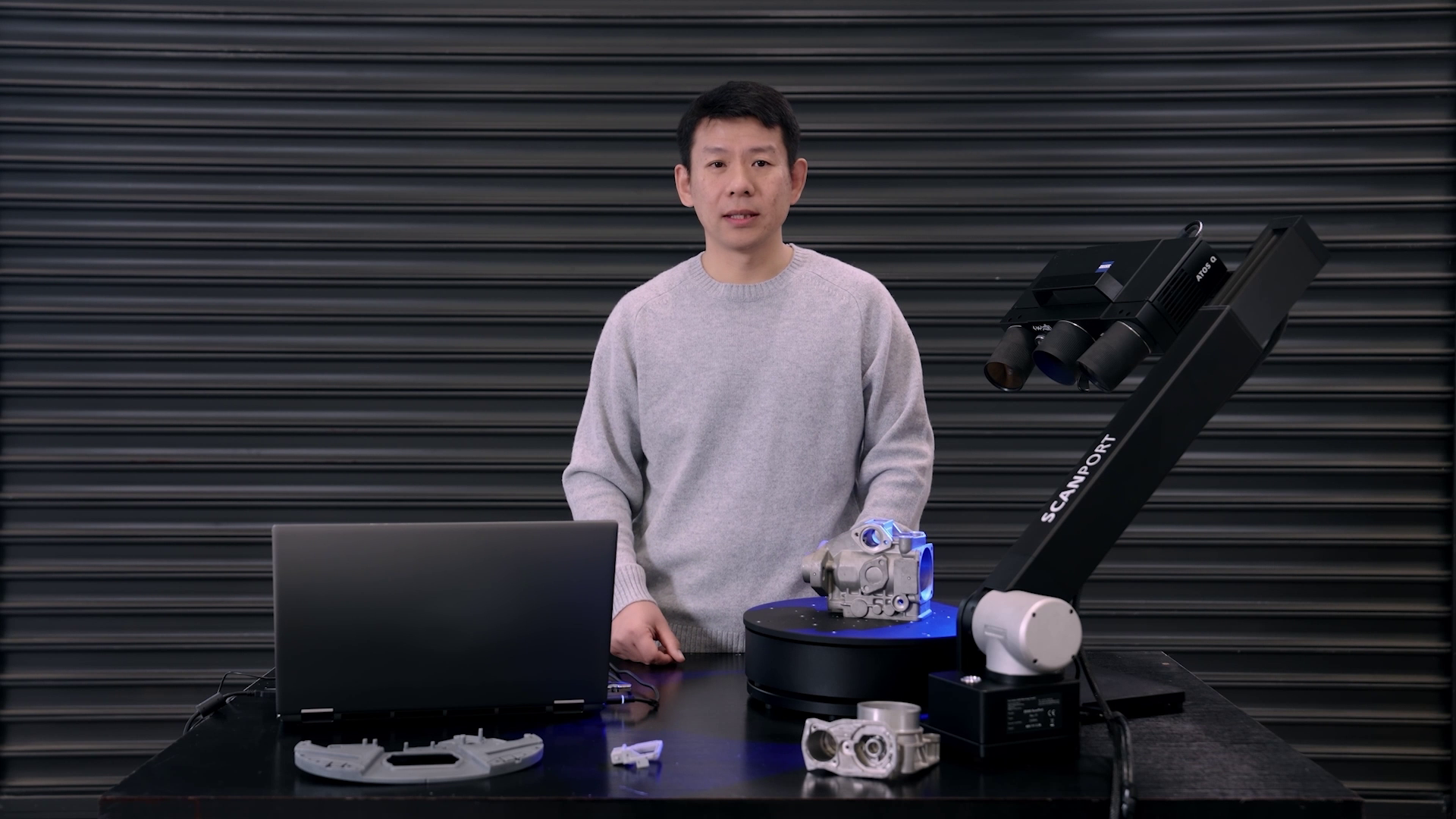
How to
How to set up kiosk mode