


ハウツー
How to scan and reprint broken parts
Discover how to repair a broken part by simply 3D scanning and 3D printing it. Step 1: do a scan of the part with the new GOM Scan 1. Step 2: use ZEISS INSPECT to repair the part digitally and create a working file for your 3D printer. All of it in roughly two minutes!
Next Episodes
ハウツー
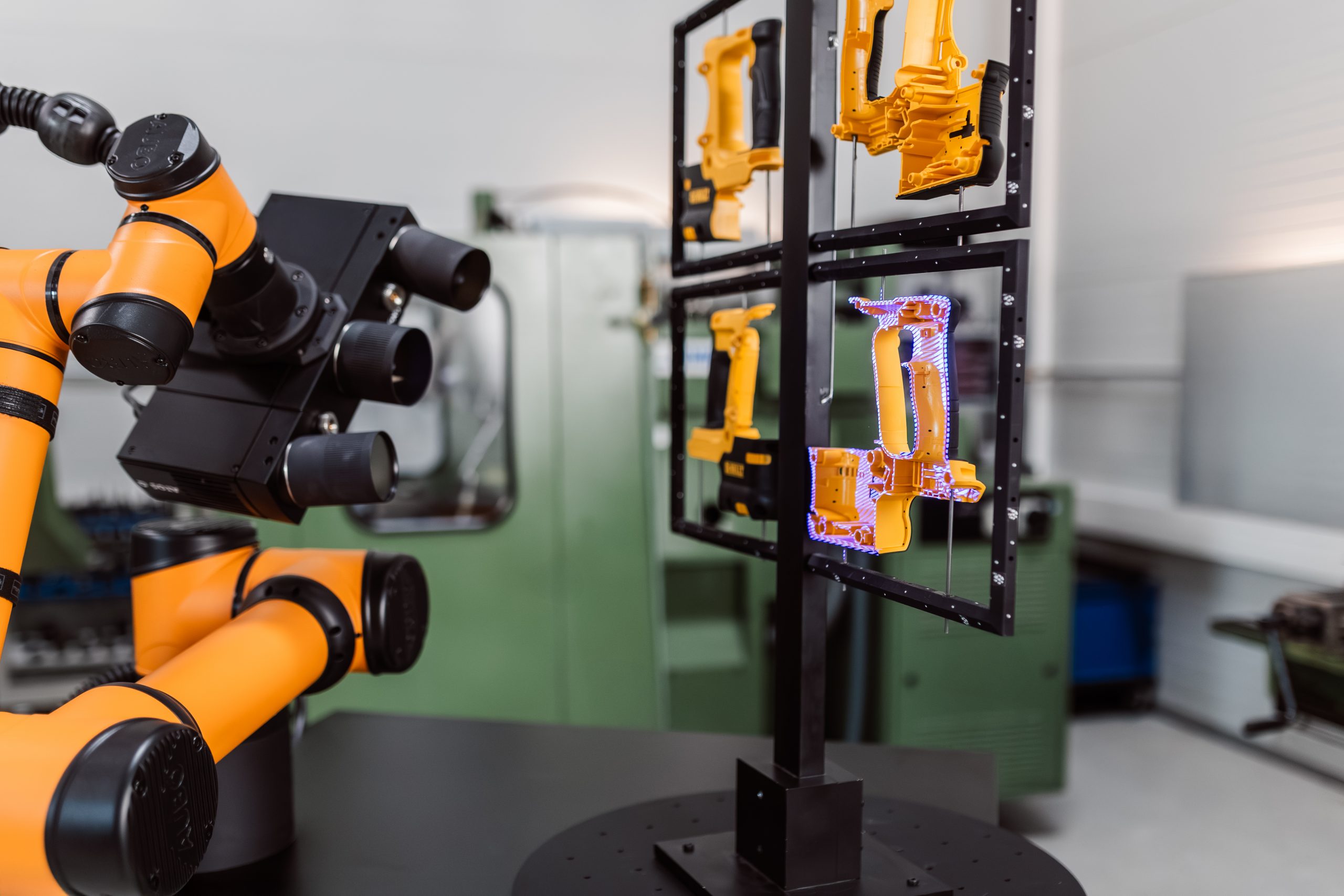
How to inspect multiple parts with ZEISS ScanCobot 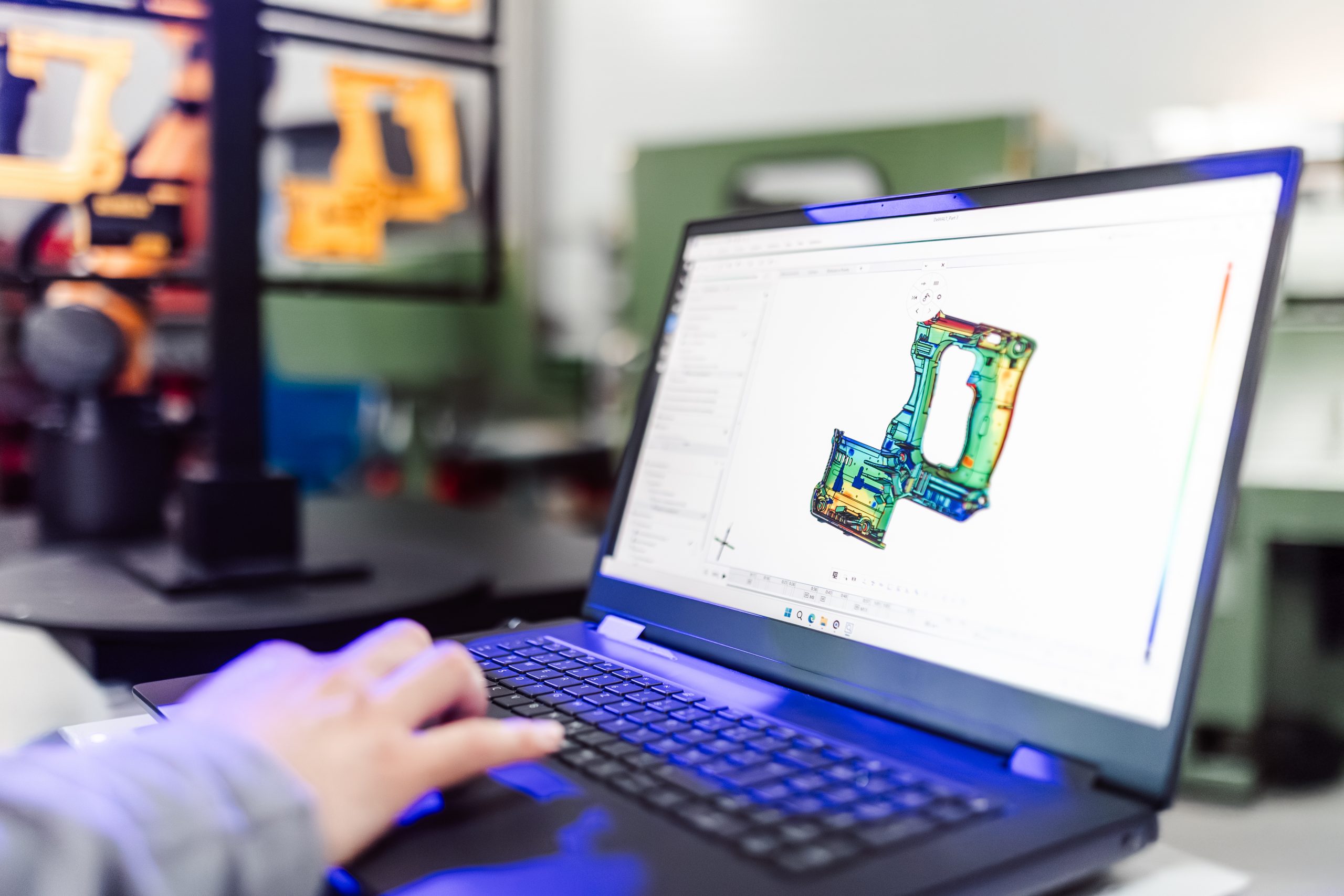
ハウツー
How to update software programs for new CAD designs