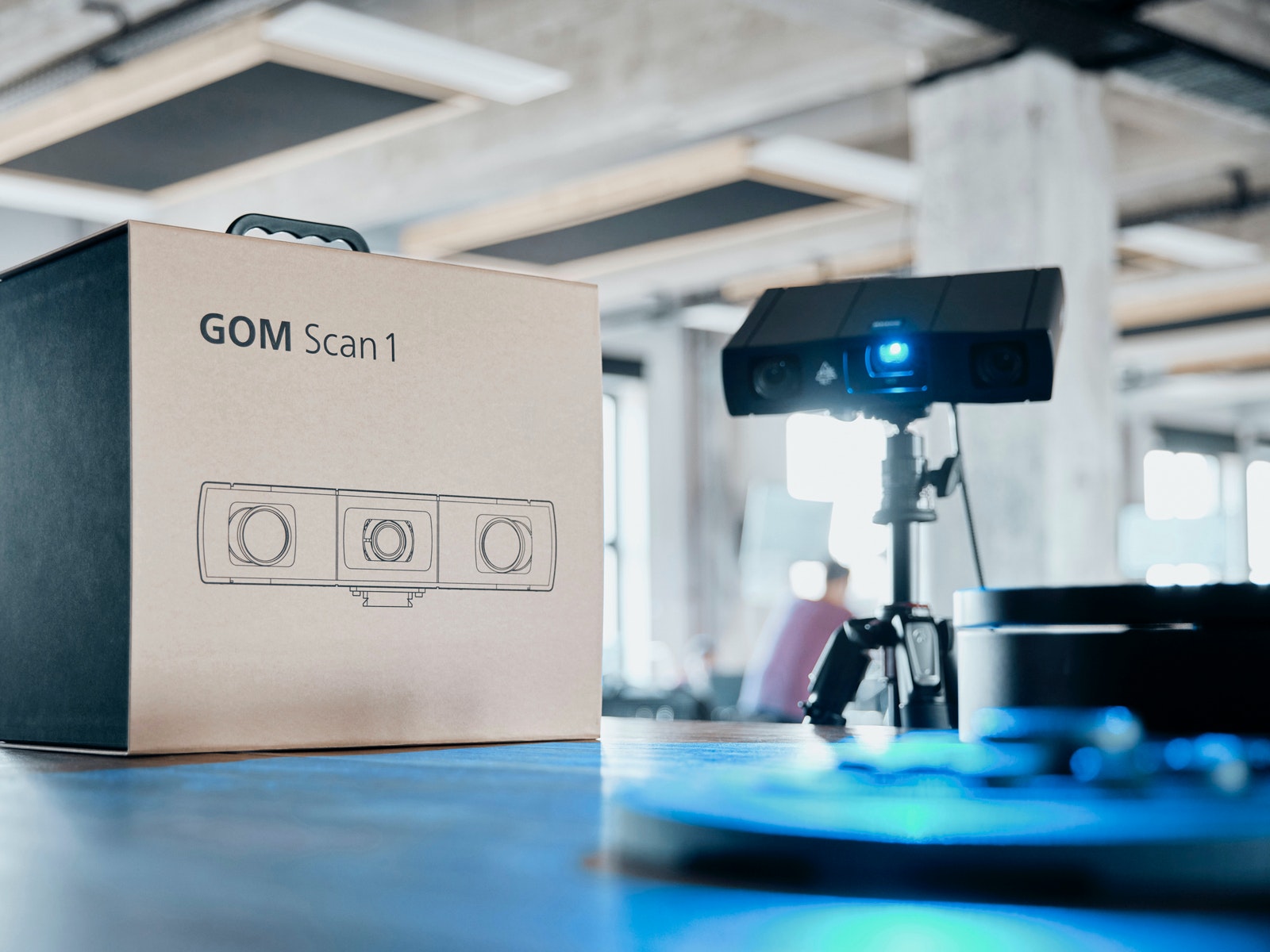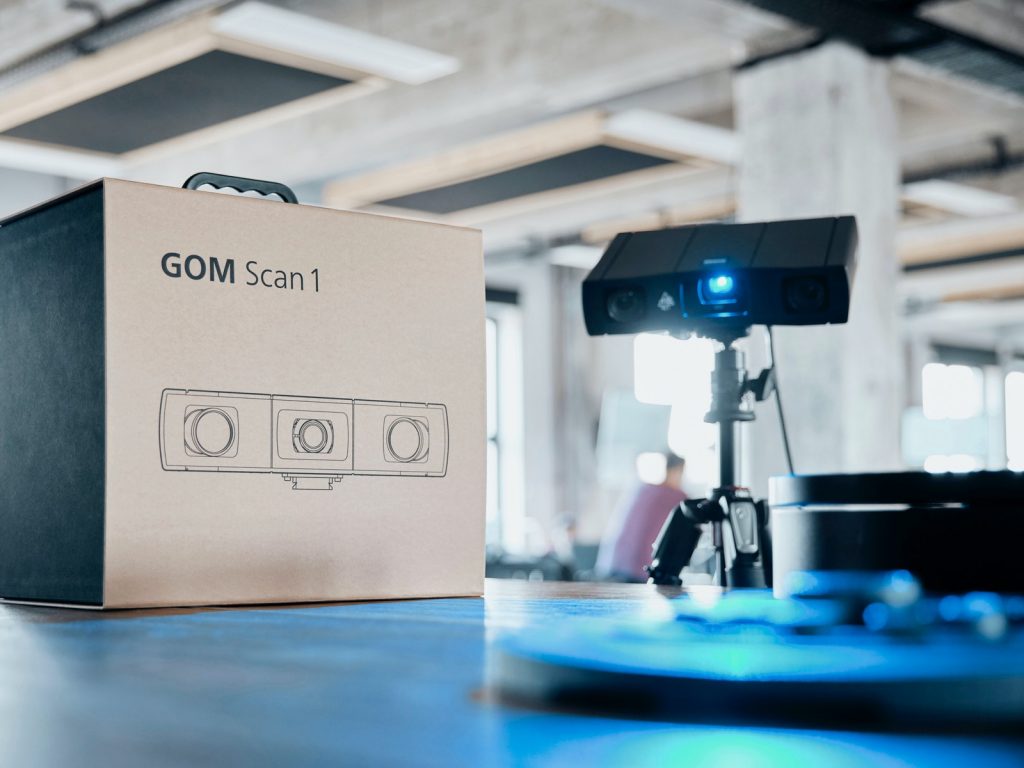






A nova ferramenta compacta
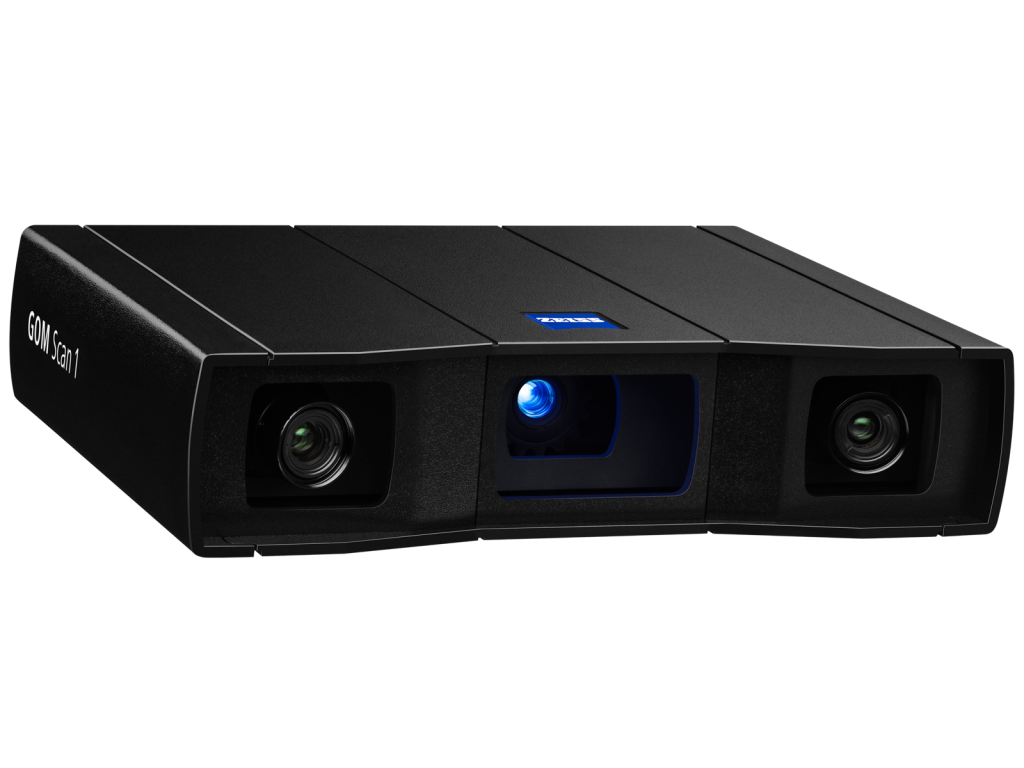
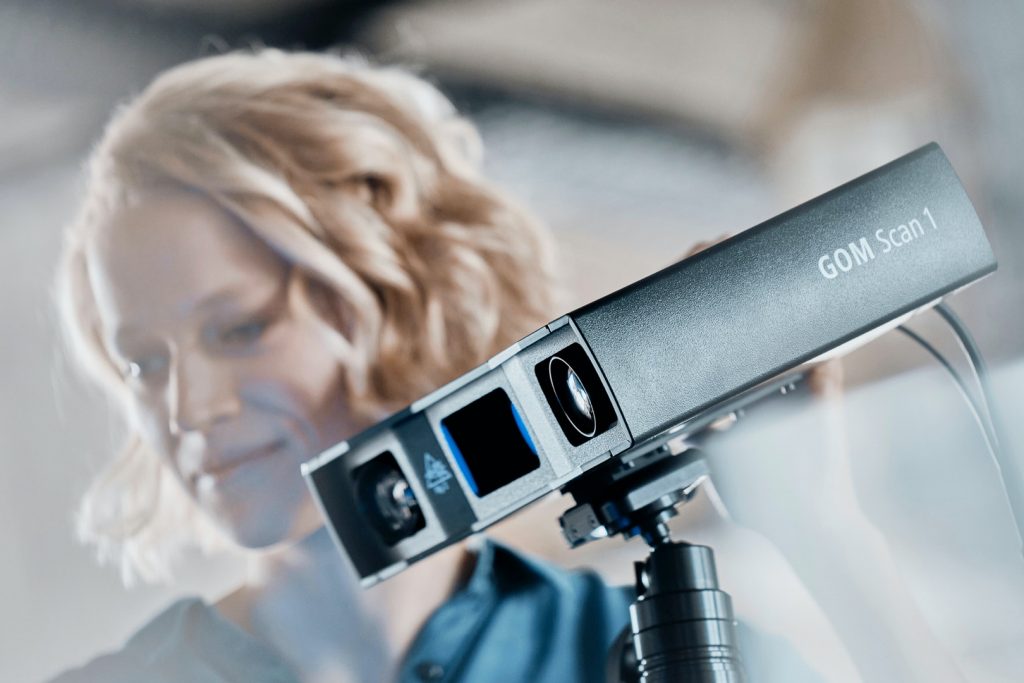
GOM Scan 1: Um pequeno scanner 3D compacto para um altos padrõesão
Um pequeno scanner para malhas precisas e grandes ideias
Compacto, móvel e versátil
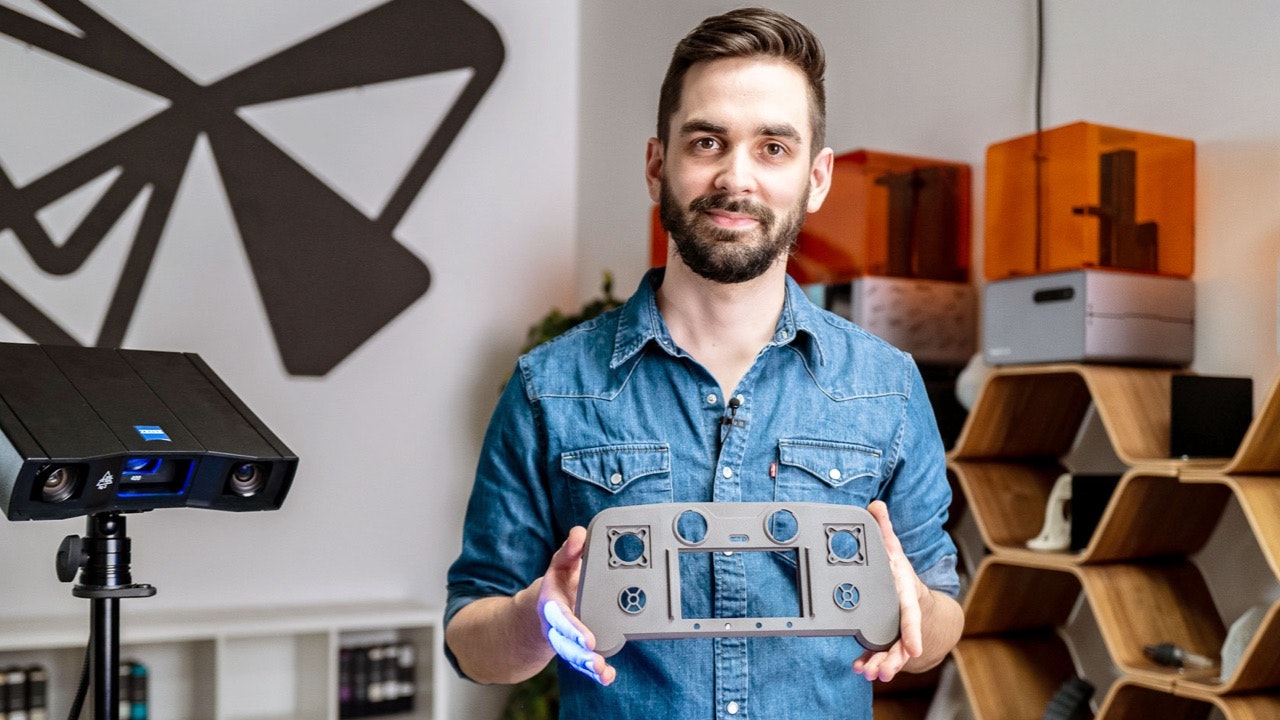
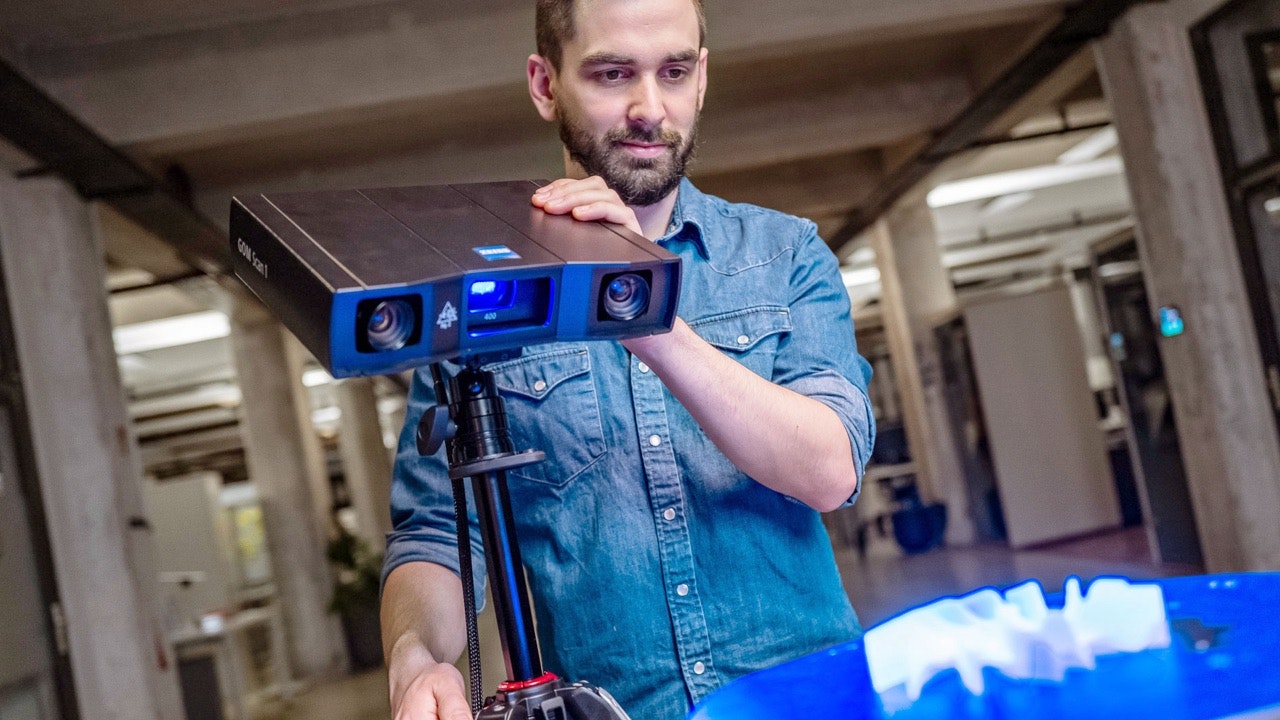
O GOM Scan 1 chegou para abrir novas possibilidades. Padrões industriais, como a tecnologia de projeção estruturada de franjas e a Blue Light Technology (Tecnologia de Luz Azul), formam fornecem a base para gerar malhas 3D detalhadas e precisas. Enquanto issoAo mesmo tempo, o software integrad ZEISS INSPECT ajuda você a aplicar a malha ema qualquer projeto desejado: impressão em 3D, engenharia reversa ou inspeção de peças. Portanto, vá em frente e comece um projetoalgo grande.
Um potente scanner 3D potente
O GOM Scan 1 apresenta um formato compacto e um design robusto, repleto deequipado com tecnologias avançadas. Desde a Blue Light Technology até o princípio dea câmera estéreo, esse sensor foi desenvolvido para fornecer dados 3D com alta precisão.
Pequeno, móvel e muito fácil de usar
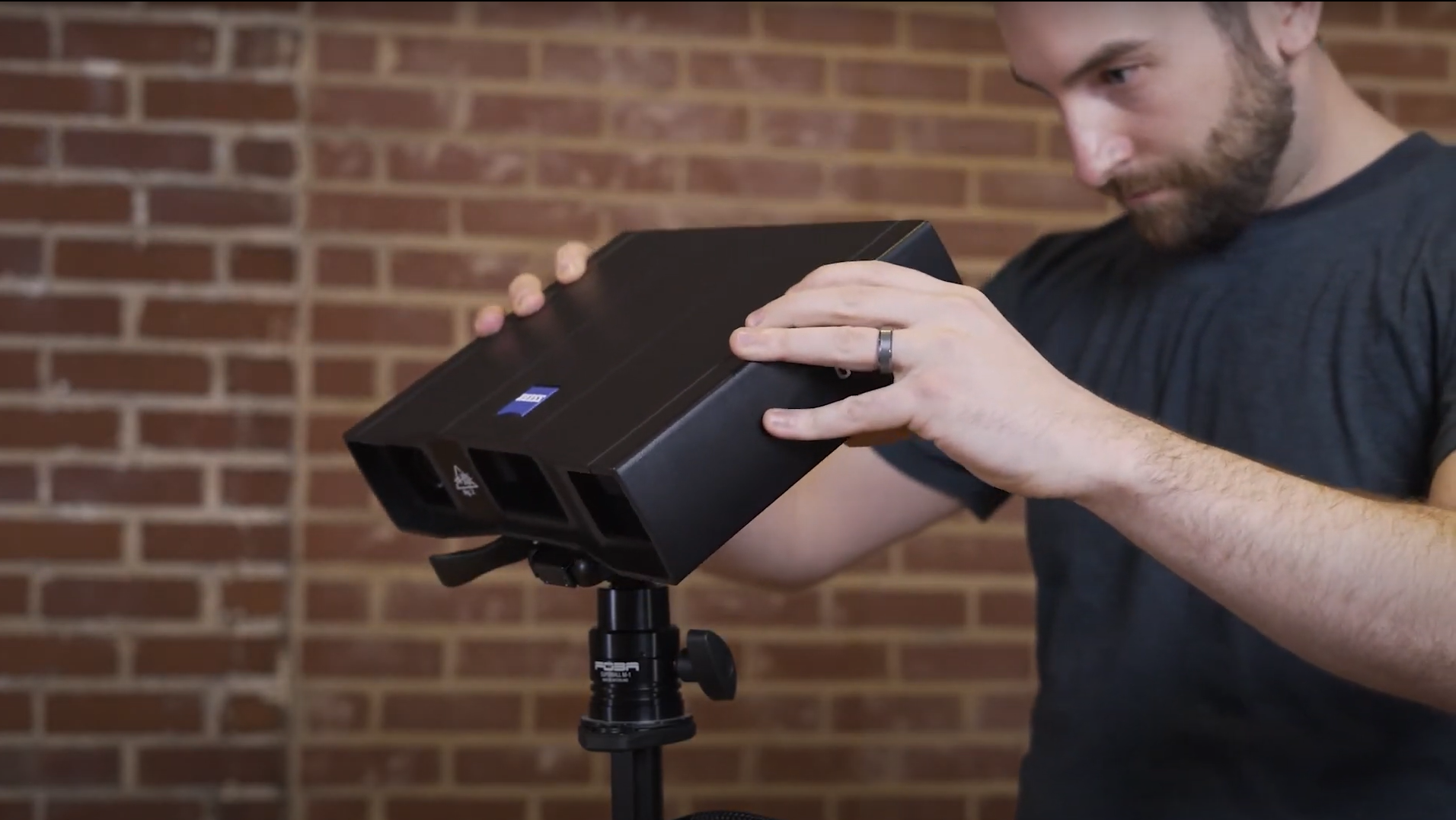
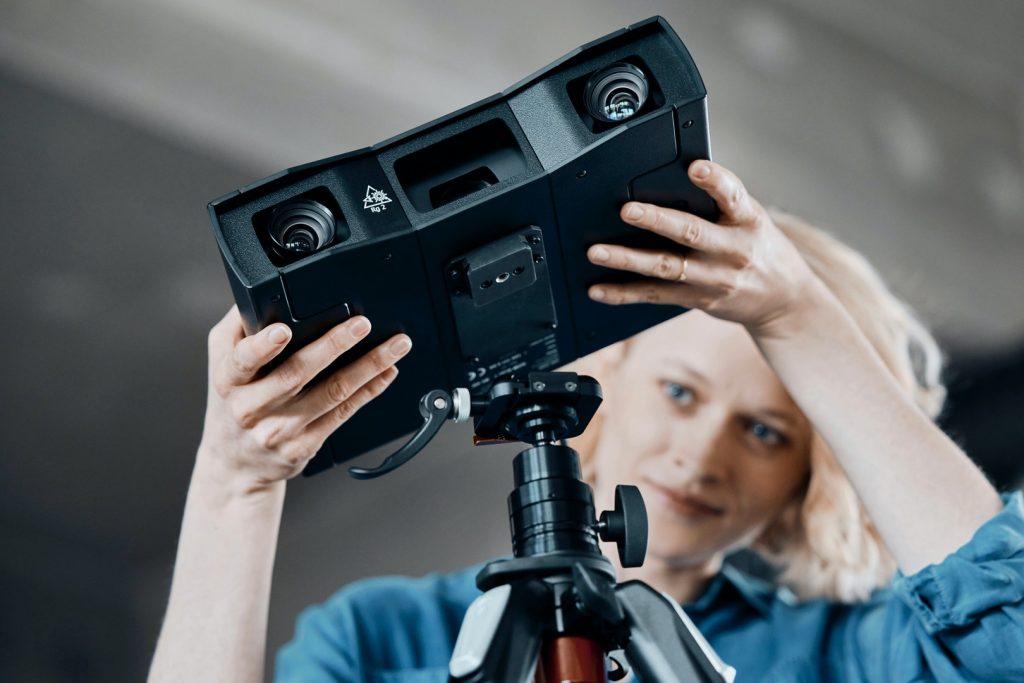
AEssa solução leve permite que você capture dados 3D de forma intuitiva. Fácil de operar, o GOM Scan 1 é o especialistazado para medições simples e rápidas de peças pequenas a médias, mesmo em espaços confinados.
Rápido e preciso
O GOM Scan 1 com o ZEISS INSPECT pré-instalado, eleva as a criação de malhas ao próximo nível. Você pode confiar nos em dados de alta qualidade, gerar malhas precisas e obter dados 3D de forma rápida e simplescom facilidade e rapidez.
Um software que orienta o usuárioguia você
O GOM Scan 1 opera com o ZEISS INSPECT, o padrão bem estabelecidoconsolidado em metrologia 3D. As potentes funções de edição de malhas o tornam uma ferramenta ideal para impressão 3D e engenharia reversa. Além disso, você pode lidar sem esforço com tarefas simplesexecutar facilmente tarefas simples e complexas duranteem todo o processo de inspeção. Um software projetado paraque simplificar e acelerar seu fluxo de trabalho.
Recursos
Um sistema de automonitoramento para problemas da vida real
Precisão em todas as condições de iluminação:
Blue Light Technology (Tecnologia de Luz Azul)
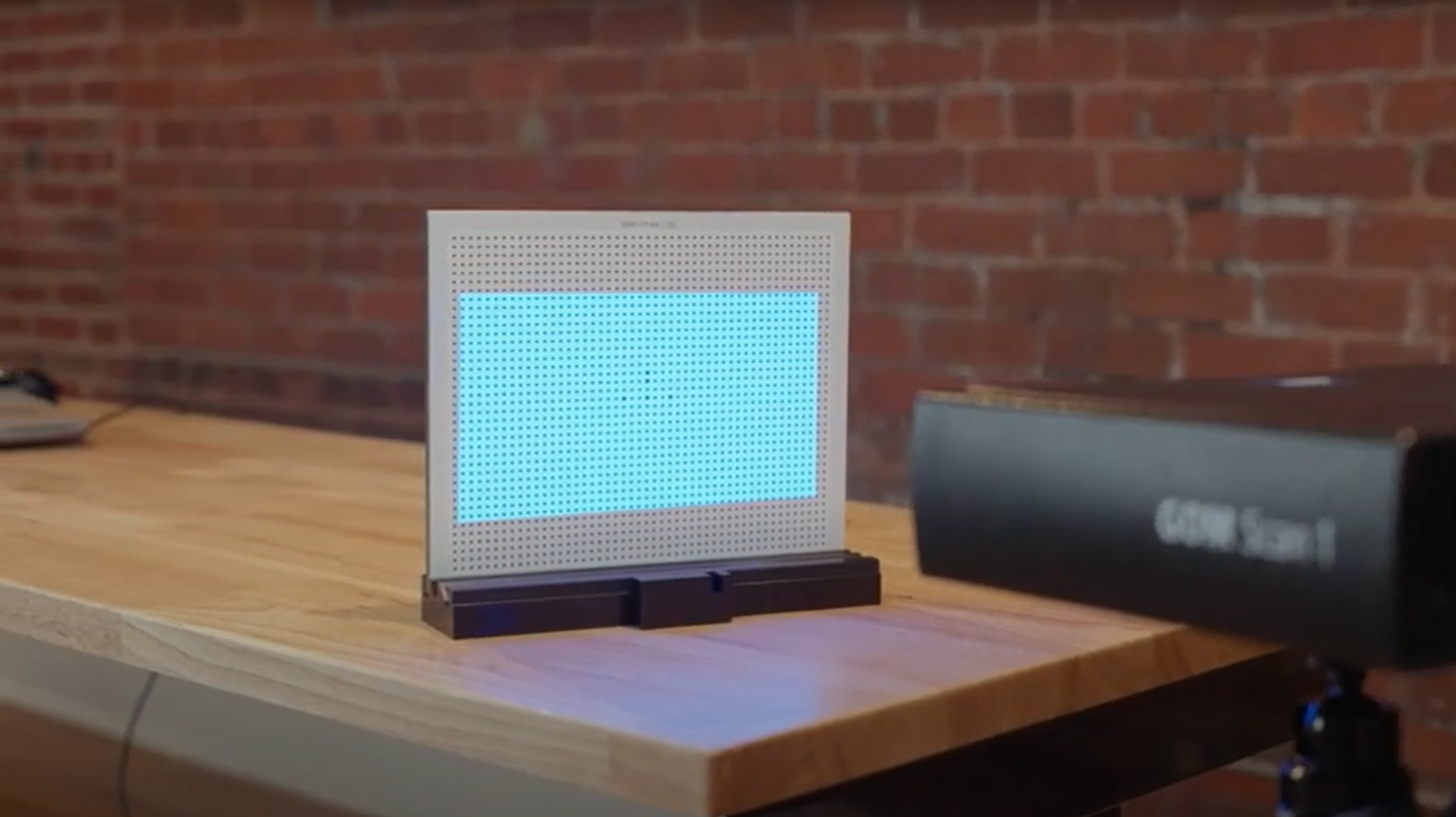
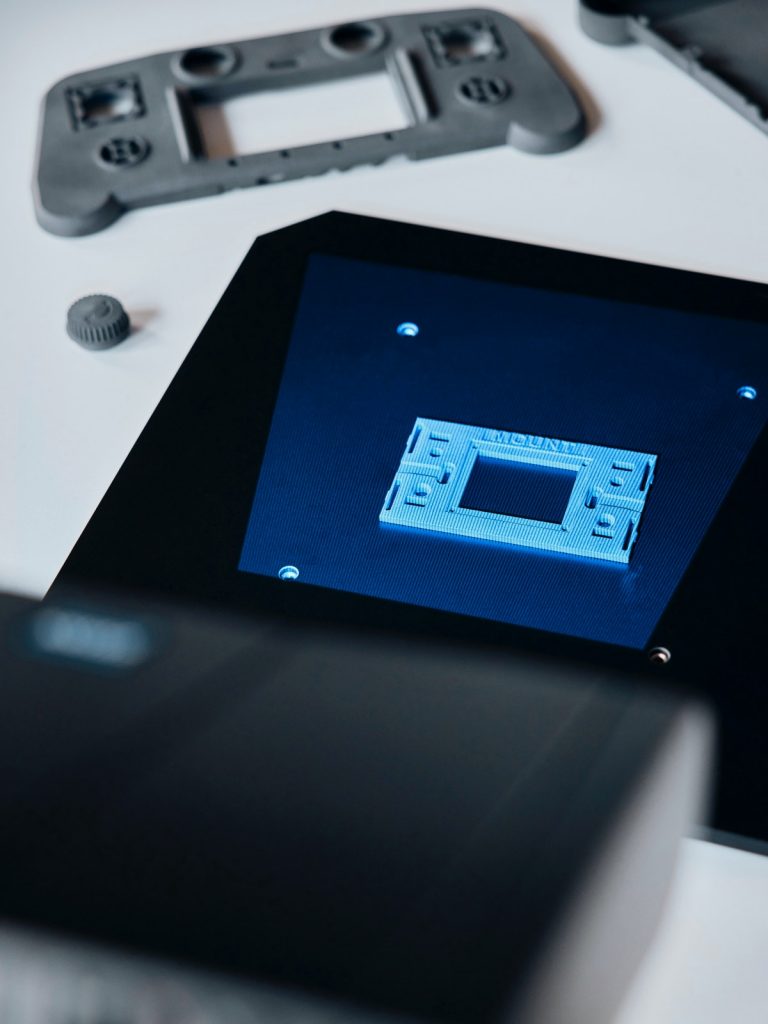
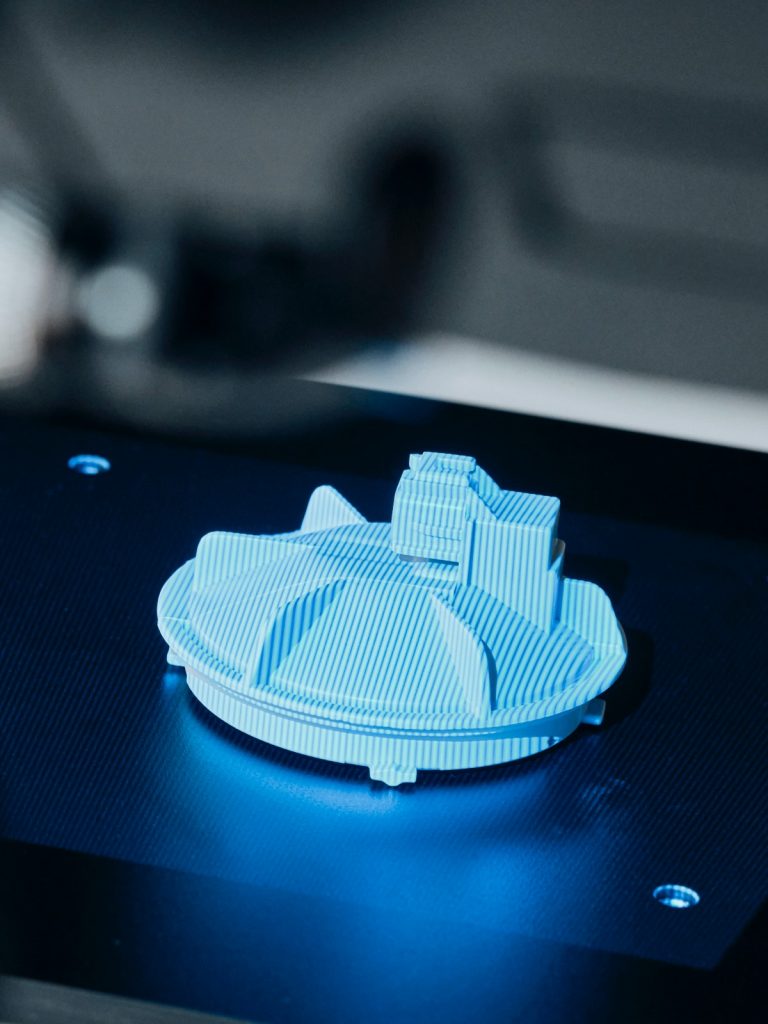
A unidade de projeção do GOM Scan 1 tem como baseé baseada na Blue Light Technology. Como o sensor funciona com luz azul de banda estreita, a luz ambiente interferente pode ser filtrada durante a aquisição captura dea imagensm. Devido à sua potente fonte de luz potente, é possível obter alcancar tempos de medição curtos.
Prepare-se para imprimir com a edição inteligente de malhas
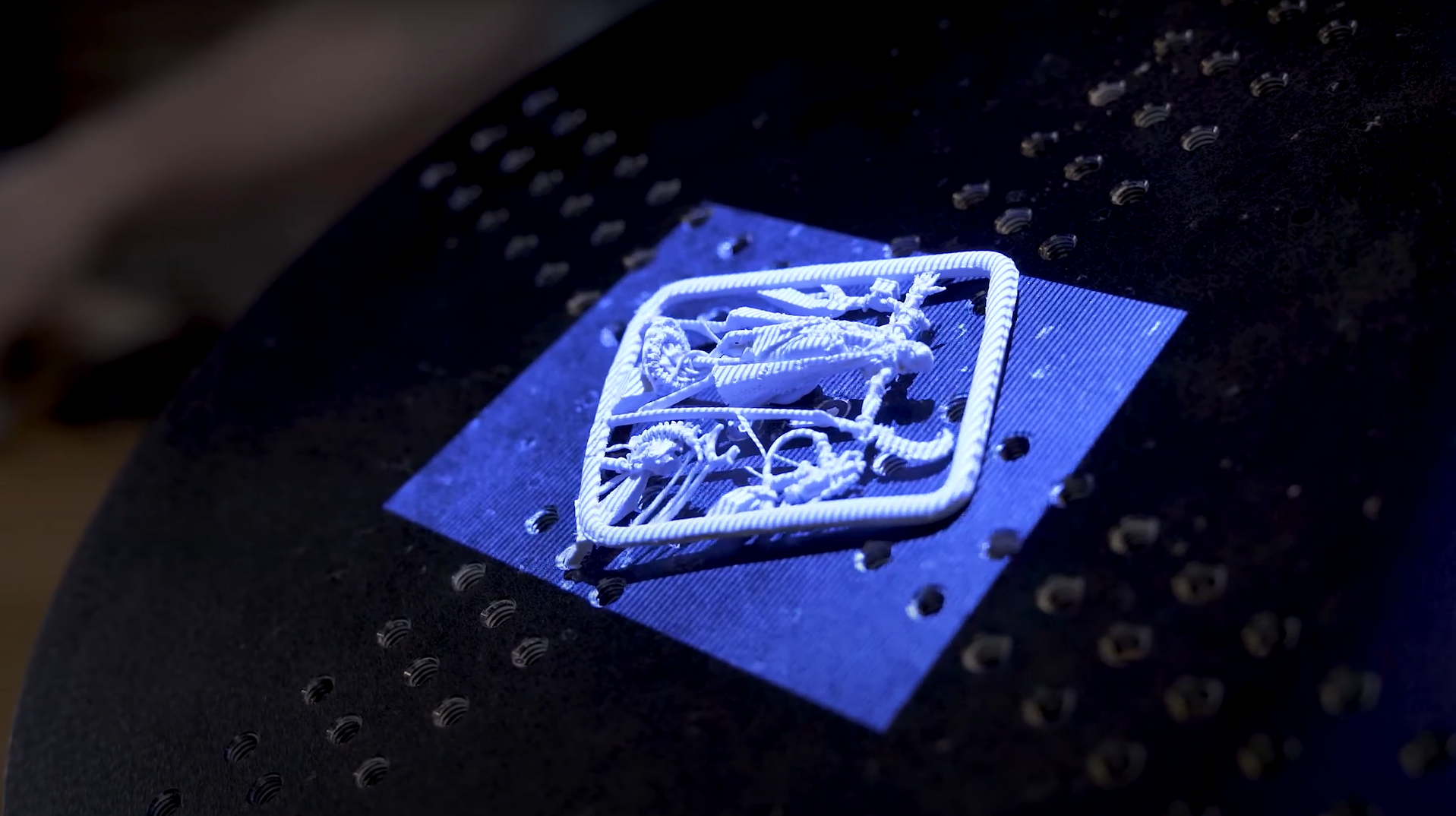
O ZEISS INSPECT permite suavizar, afinar reduzir e refinar malhas de polígonos, preencher orifícios furos ou extrair linhas de curvatura, obtendo malhas muito altamente precisas, que podem ser salvas em diversos formatos comuns. A melhor parte:O destaque é nossa poligonização inteligente. Elae cria malhas com os mais finosalto nível de detalhes e, ao mesmo tempo, mantém o tamanho da malha fácil de manuseartrabalhar.
Escolha o volume de medição
Obtenha resultados rápidos, com a projeção de luz estruturadafranjas

Capture e crie suas ideias
O GOM Scan 1 com ZEISS INSPECT pode executar tarefas como: impressão em 3D, criação de modelos 3D de uma peças e engenharia reversa. Ele captura dados de alta qualidade em um curto espaço de tempo, enquanto as potentes funções avançadas de edição de malhas facilitam a substituição de peças, a produção de modelos 3D precisos ou o desenvolvimento de novos produtos. Seja qual for a sua ideia, o GOM Scan 1 satisfaz atende aos padrões profissionais e industriais para torná-la realidade.
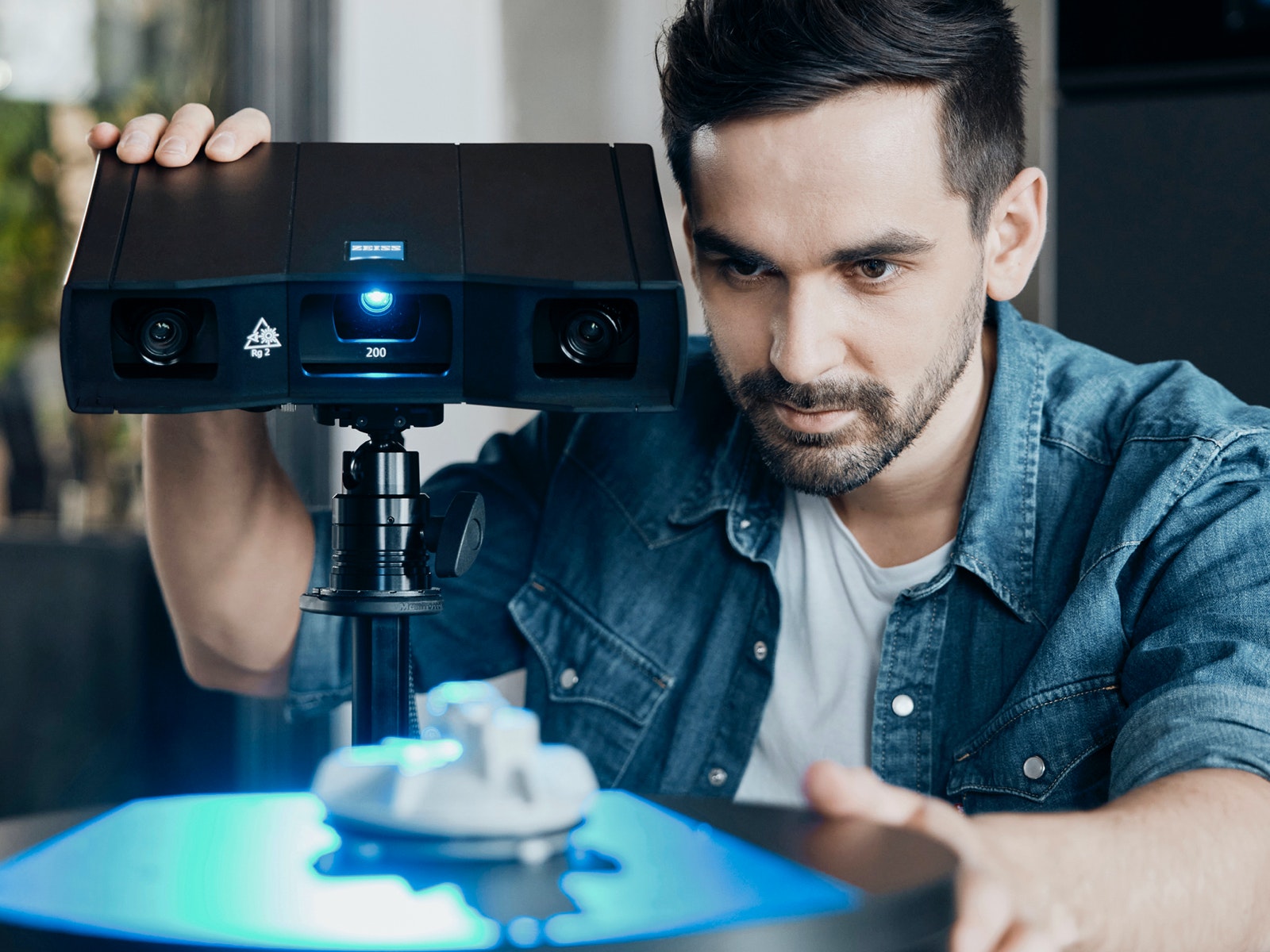
Medindo Meça e inspecioneando seus produtos
O GOM Scan 1 com ZEISS INSPECT é um sistema que auxilia em todo o fluxo de trabalho. Ele ajuda a obter resultados de medição precisos e abrangentescompletos, e tornando a inspeção de peças simples e eficienteelimina os esforços da inspeção de peças. Importe e alinhe arquivos CAD e de malha, crie comparações de superfícies e seções de inspeção e gere relatórios – tudo isso de forma fácil simples e eficiente.

Utilize o GOM Scan 1 para
• Impressão em 3D
• Engenharia reversa e fabricaçãomanufatura
• Exibição Visualização virtual ou modelos 3D
• Pesquisa e educação
• Arte e patrimônio cultural
• Design
• Assistência médica
Acessórios
Ferramentas de apoioque ajudam no seu trabalho
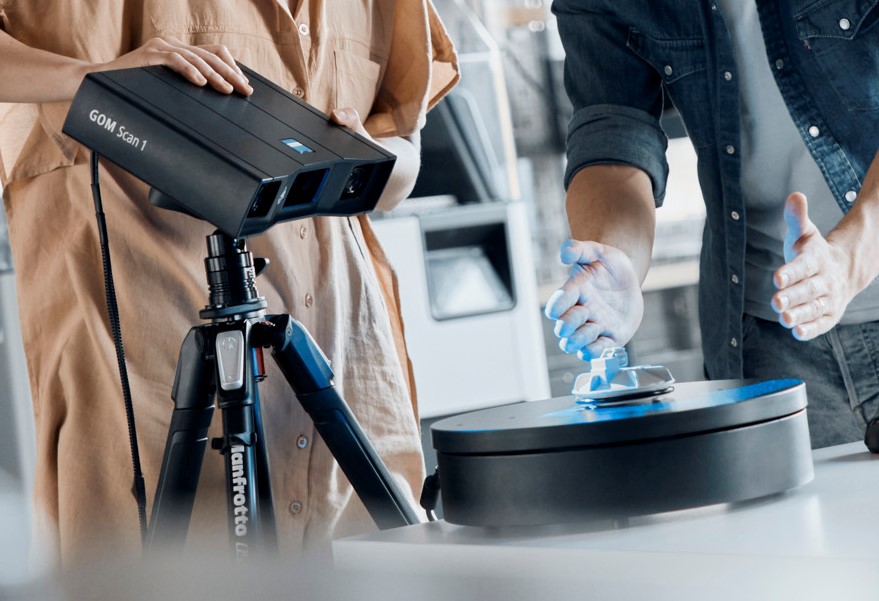
O GOM Scan 1 possui inclui acessórios adicionais úteis, que ajudam no seu fluxo de trabalho diário. A ROT 350 é uma mesa de rotaçãorotativa automatizada que facilita o processo de varreduraescaneamento. Utilize Você pode usar o suporte de mesa ou tripé para montar o scanner. Guarde tudo no estojo de viagemcase de transporte e leve- o equipamento para qualquer local onde você queira precisar realizar suas tarefas.
Dados técnicos
Deseja Quer saber mais?
Entre em contato com seu parceiro local deo #HandsOnMetrology.
Descubra mais
i
Please select the topic you seek more information aboutHow to 3D scan with the right distance to object
How to 3D scan different materials
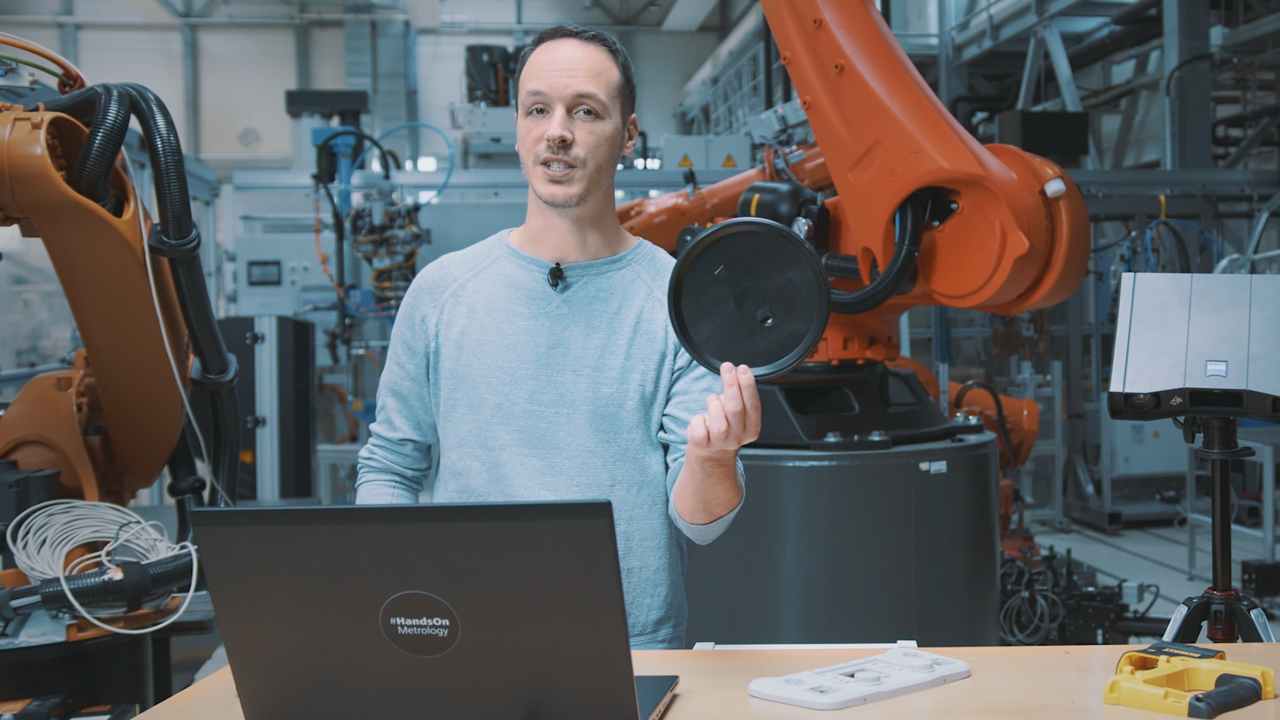
How to find your perfect exposure time with ZEISS INSPECT
Let Norman show you how to find the perfect exposure time for your part. The live camera image in ZEISS INSPECT offers multiple options of automatic exposure times: automatic by matrix computes up to three different exposure times for the entire field of view – making it a good choice for parts that combine light and dark surfaces. Other options: automatic by spot, automatic for reference points and interactive. Take a pick and start scanning!
All functions shown are available in the current software version.
Got any questions on 3D scanning? Contact us via support@HandsOnMetrology.com
How to scan and reprint broken parts
Discover how to repair a broken part by simply 3D scanning and 3D printing it. Step 1: do a scan of the part with the new GOM Scan 1. Step 2: use ZEISS INSPECT to repair the part digitally and create a working file for your 3D printer. All of it in roughly two minutes!
How to inspect your 3D print with metrology
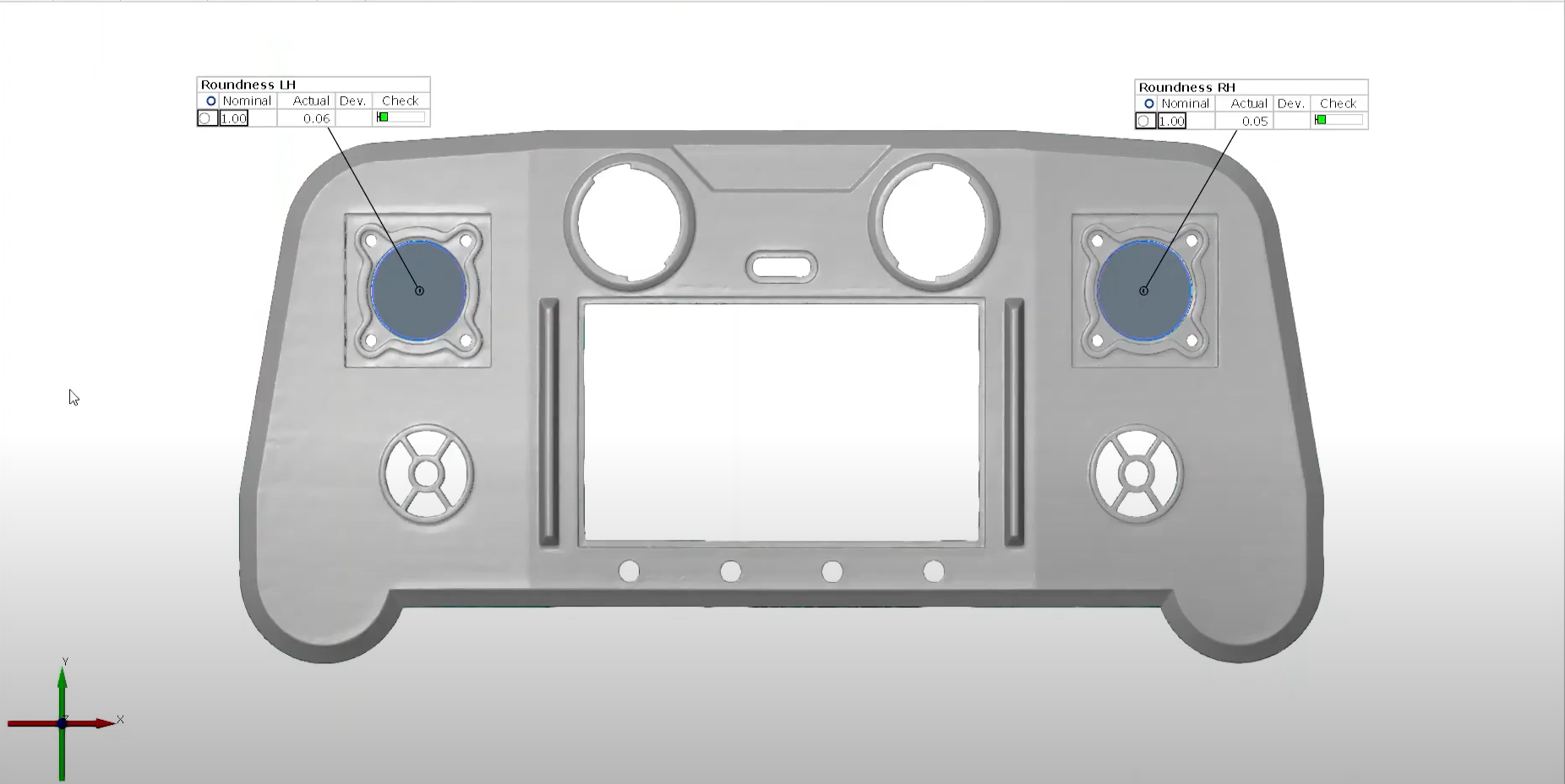
Watch Cornelius do a super easy inspection of a freshly printed prototype using the new GOM Scan 1. Is the part within tolerance of the original CAD reference? The results can be shared with the team: They’re a good foundation for creating the next CAD file version.
GOM Scan 1: Unboxing
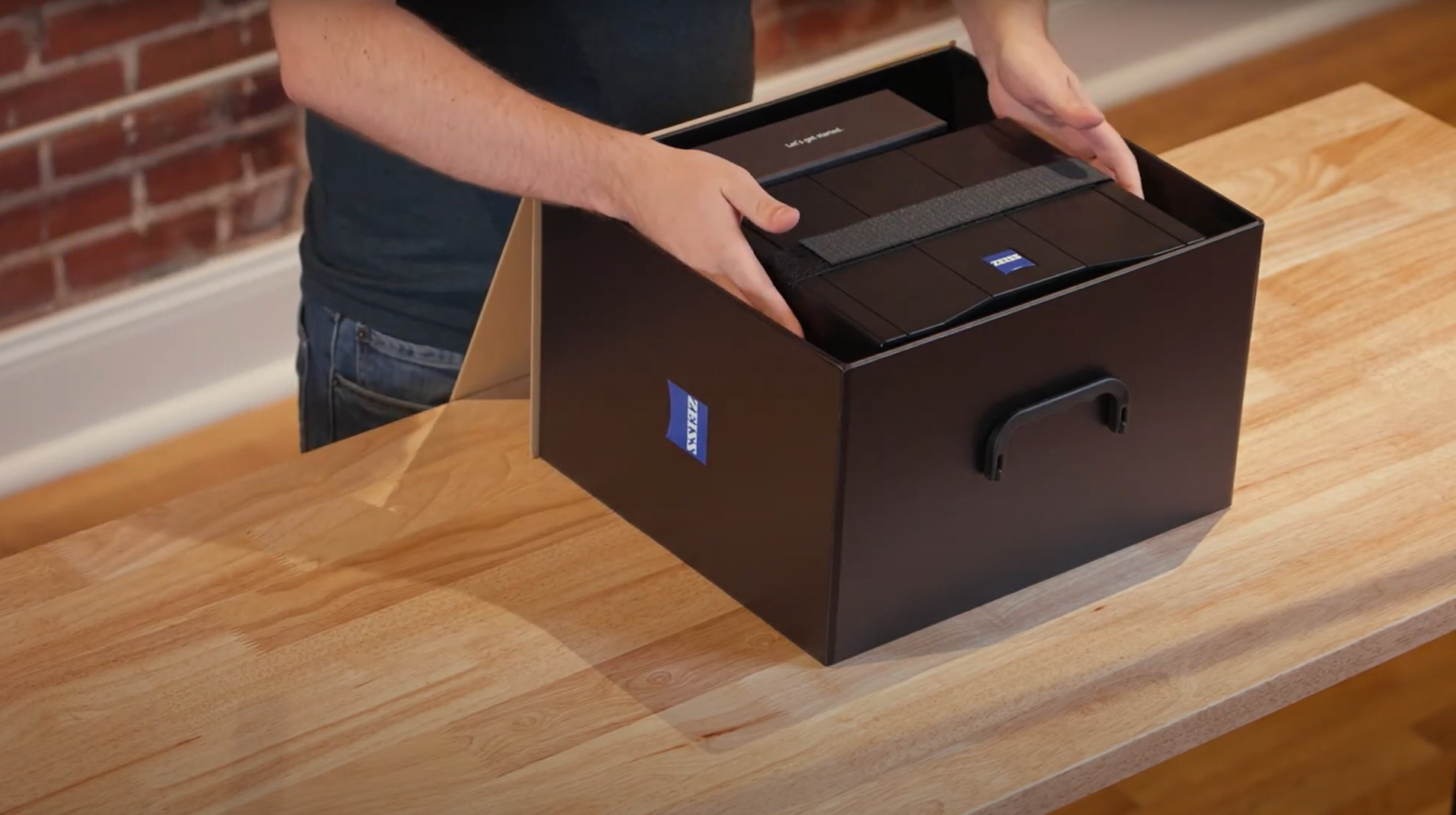
Watch Miles unbox the GOM Scan 1. What’s included: the sensor, a sensor cable, a power adapter and a measuring plate, a calibration object holder, a calibration panel and a useful accessories box. For those who travel a lot: a sturdy travel case is also available, with perfectly sized, padded compartments for all GOM Scan 1 elements, a tripod and an automatic rotation table.
GOM Scan 1: The setup
Discover how to scan a part with the new GOM Scan 1 using a manual measuring plate. The distance radar makes finding the correct stand-off distance super easy. Scanning can be done with or without reference points – either way, you get a precise mesh of the part.
GOM Scan 1: Calibration
Calibrating your GOM Scan 1 is easy! Let Miles show you how it’s done. The GOM Scan 1 comes with all the accessories necessary for calibration – the software GOM Inspect guides you through the process and takes care of the rest. The best part: The sensor detects automatically, when it has to be recalibrated and informs you about it.
GOM Scan 1: Select the right sensor for your application
Let Miles show you how to select the GOM Scan 1 sensor with the perfect field of view for your scan job: Choose the 400 MV version for large parts with few details, 200 MV for smaller parts with greater detail or 100 MV for tiny parts with high levels of detail.
GOM Scan 1: Introduction to part inspection
Join Miles for a quick demonstration of how to do 3D part inspections with the new GOM Scan 1. In this video, he takes you through every step of the inspection process: from setting up to scanning and reporting – it’s a fast, smooth workflow.
GOM Scan 1: Scanning multiple parts
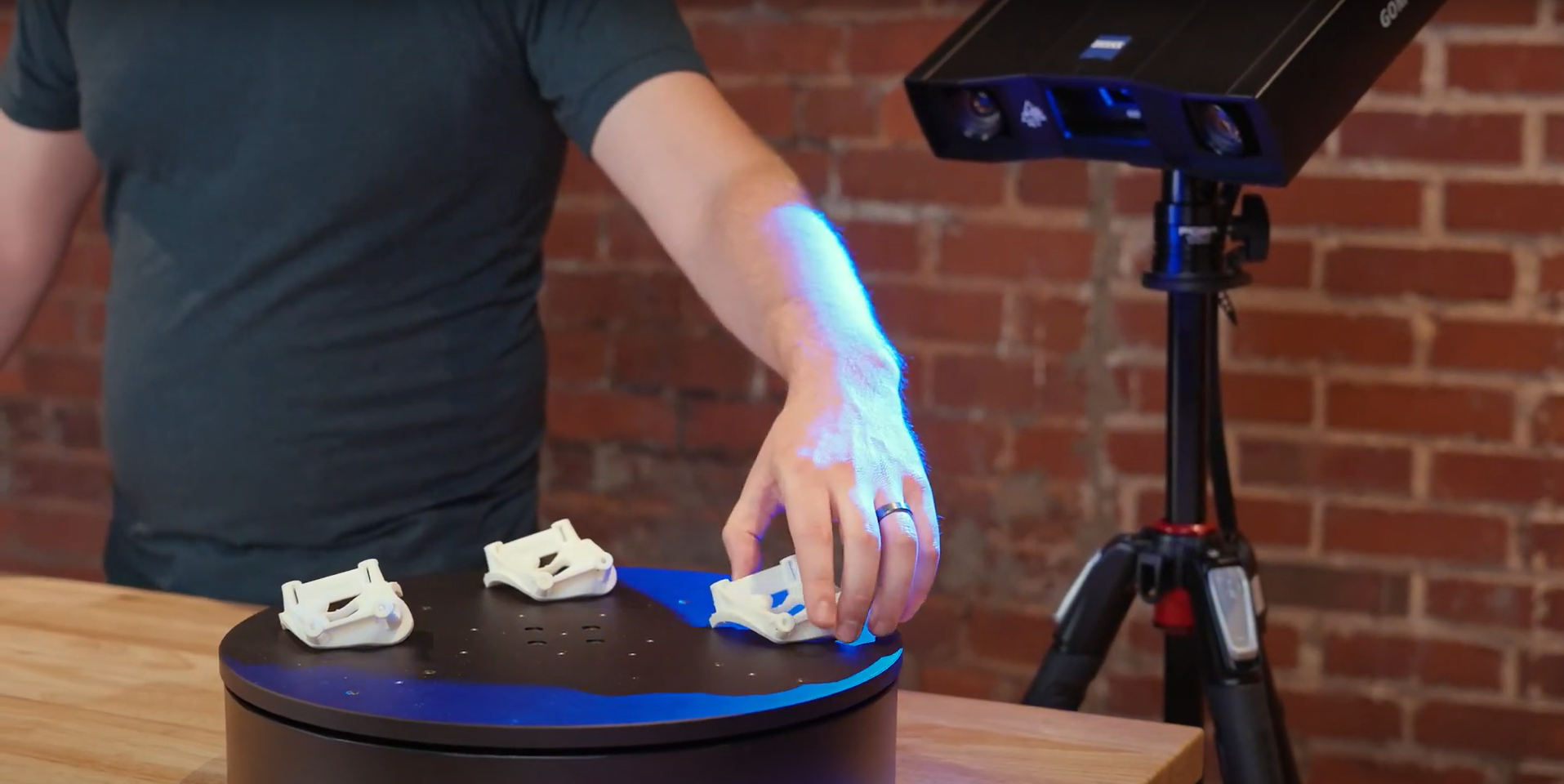
Let Miles show you how to scan multiple identical parts simultaneously using the GOM Scan 1 400 and the rotation table Rot 350. Simply choose the workflow assistant for scanning multiple parts and follow the software as it guides you through the scanning process. Since the rotation table is marked with reference points, you can start scanning straight away. Partitioning the parts and aligning top and bottom scans is done with just a few clicks.
GOM Scan 1 for reverse engineering and 3D printing
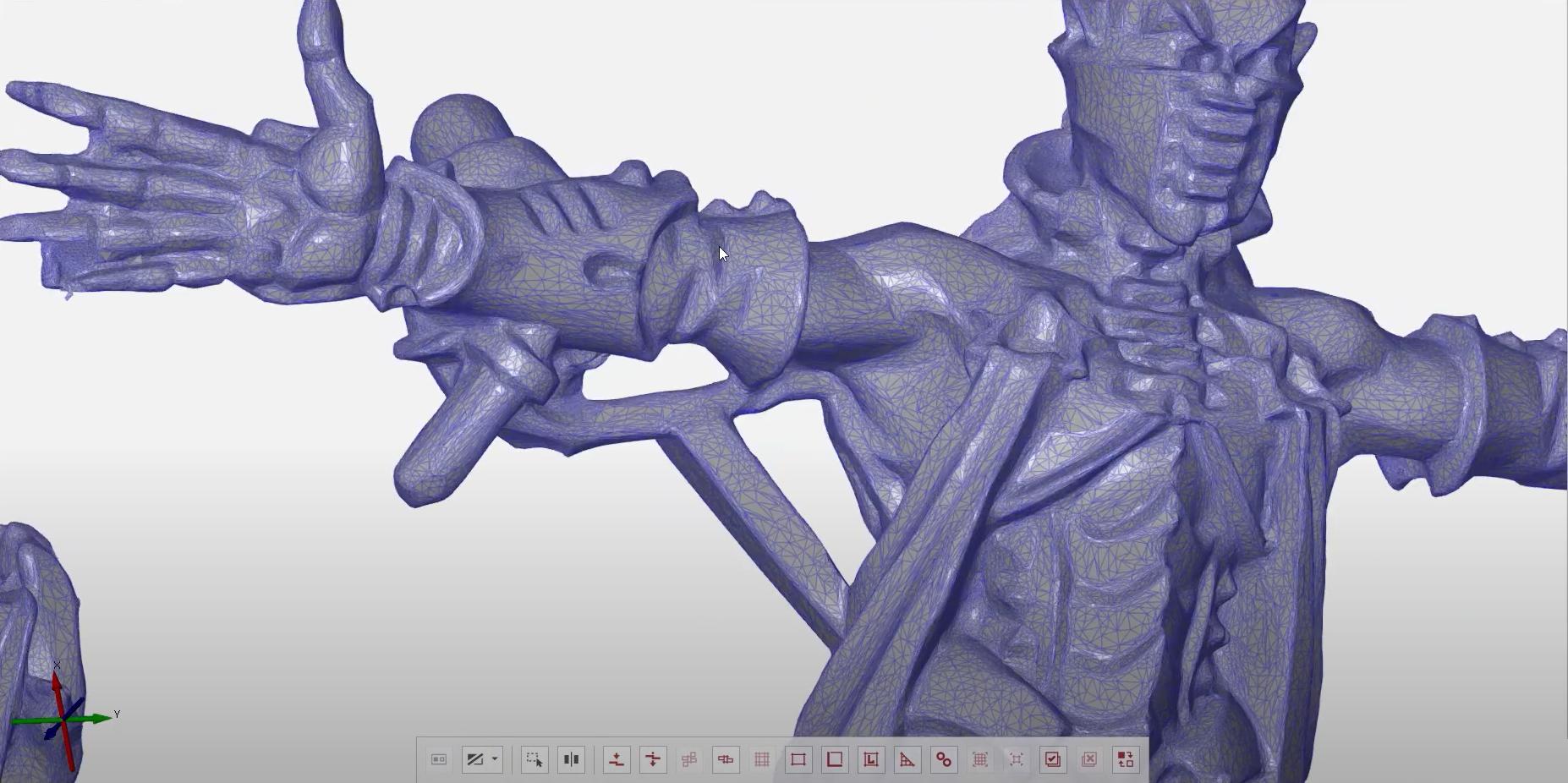
Get a quick overview of the reverse engineering workflow using the new GOM Scan 1. Miles talks you through the key aspects: the selection of the right field of view, the scanning process, the 3D mesh creation and editing, the mesh alignment and data export.
GOM Scan 1: Scan a part with high levels of detail
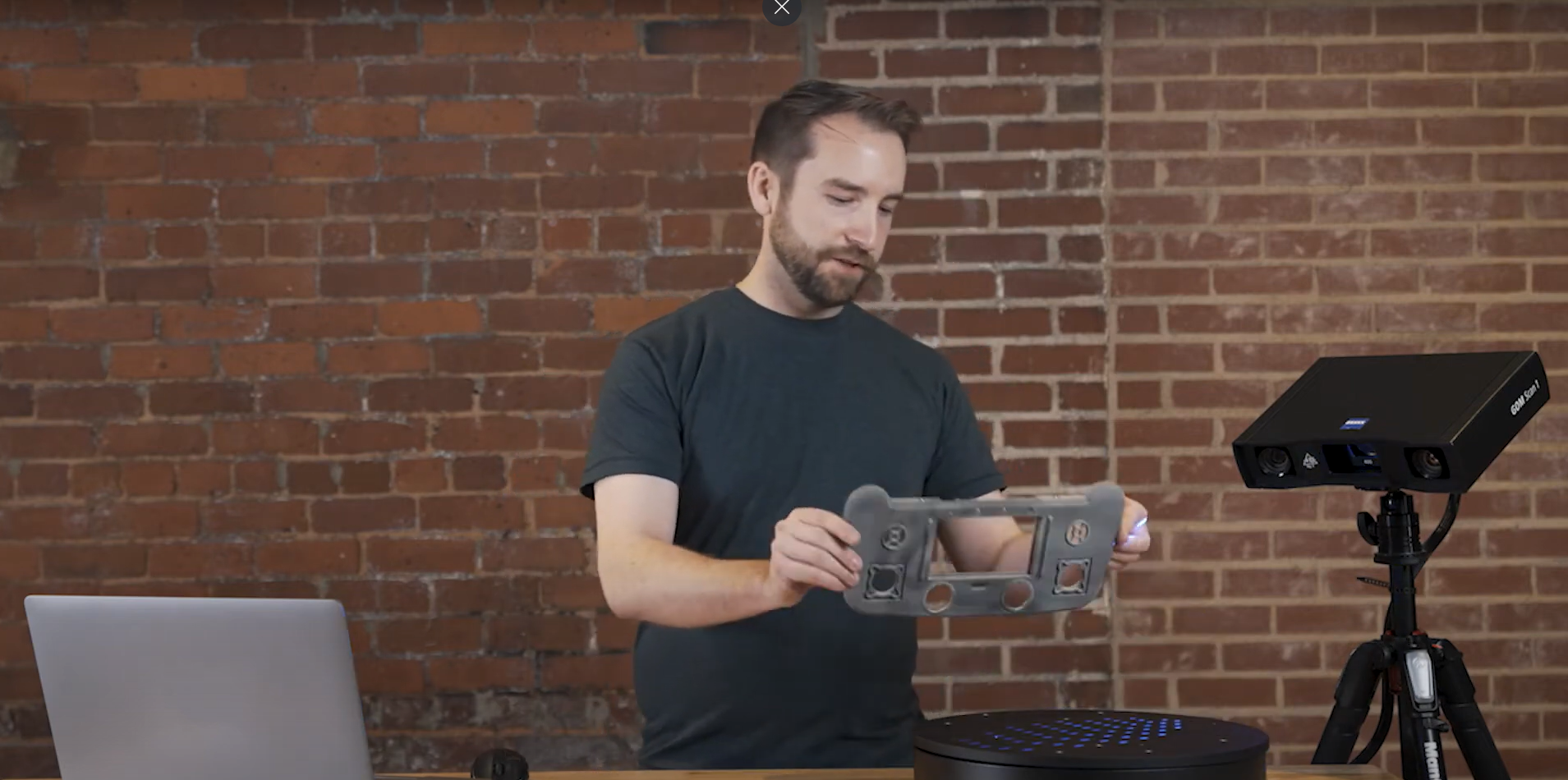
Discover how to capture the highest possible detail with the GOM Scan 1, using a sensor with a 100 mm field of view. When scanning a small part, best results are achieved with a desk stand. The result: a detailed mesh that’s ready for 3D printing or reverse engineering.
GOM Scan 1: Measure both sides of an object
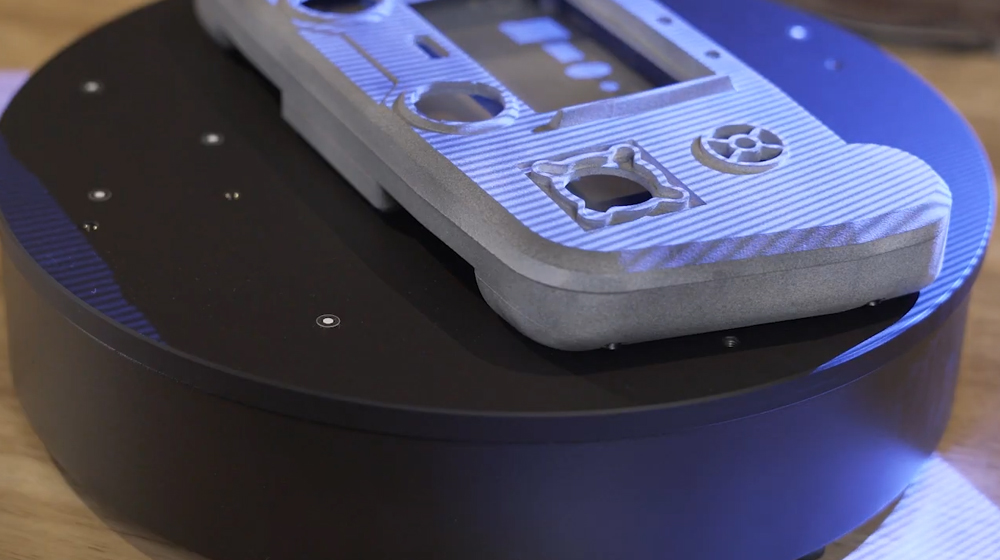
Capturing all sides of an object has never been easier. Let Miles show you how to measure a part from the top and from the bottom using a rotary table and the new GOM Scan 1. The result: a highly detailed mesh and perfect digital twin of the object you’ve scanned.
GOM Scan 1: Measure with a rotation table
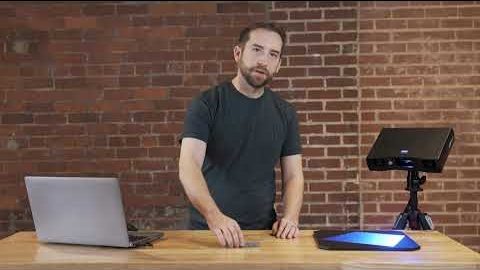
Learn how easy and fast it is to scan a part with the new GOM Scan 1 using an automatic rotation table. Just choose the right template, define the number of rotations and start scanning – you can watch the data building up on the screen as you go along.
GOM Scan 1: Measure with a measuring plate
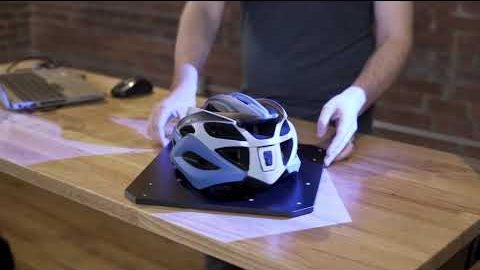
Discover how to scan a part with the new GOM Scan 1 using a manual measuring plate. The distance radar makes finding the correct stand-off distance super easy. Scanning can be done with or without reference points – either way, you get a precise mesh of the part.
GOM Scan 1: Your first use of ZEISS INSPECT
Let Miles guide you through your first use of ZEISS INSPECT with your new GOM Scan 1. It’s so easy to navigate the start screen and choose the correct workspace. Select the digitize workspace to can start scanning straight away – and get fast, precise results.
All functions shown are available in the current software version.
Got any questions on 3D scanning? Contact us via email: support@HandsOnMetrology.com
Just a second!
Thanks for your interest! To download our product brochures, just enter your contact details, and you’ll get instant access to the download.