


How to
How to scan and reprint broken parts
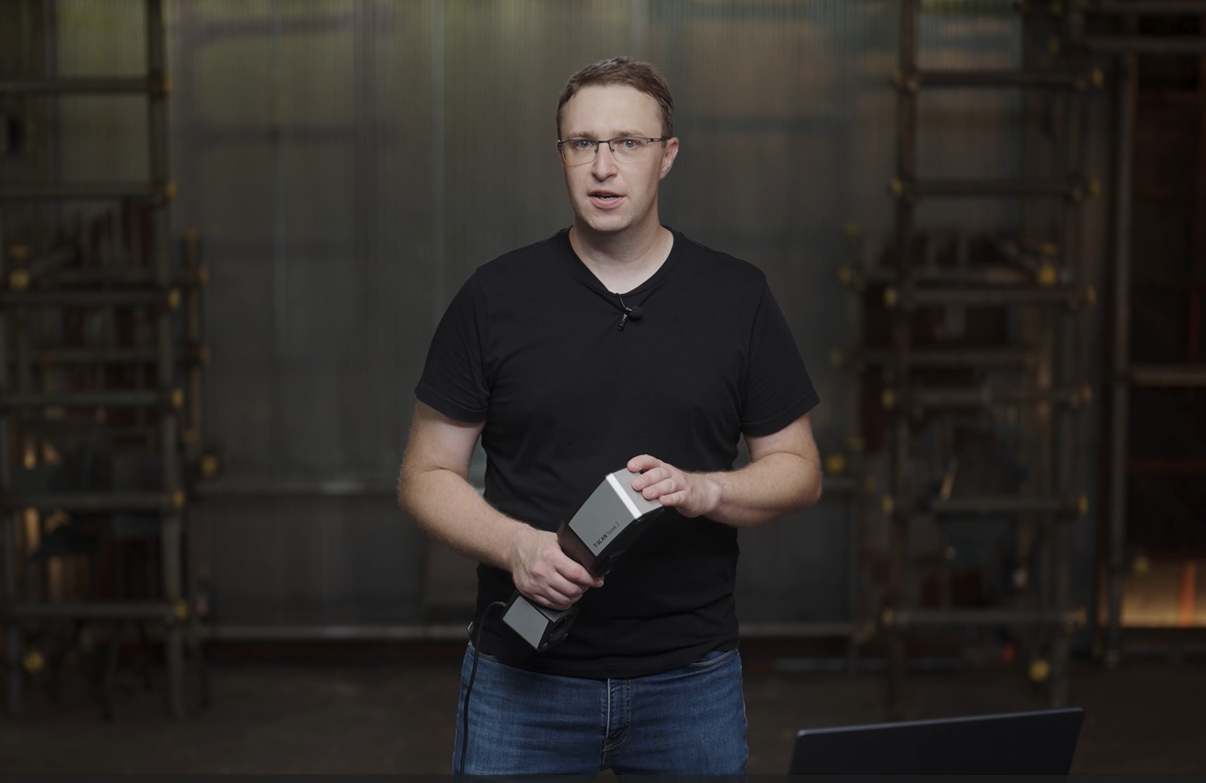
Discover how to repair a broken part by simply 3D scanning and 3D printing it. Step 1: do a scan of the part with the new GOM Scan 1. Step 2: use GOM Inspect to repair the part digitally and create a working file for your 3D printer. All of it in roughly two minutes!
Next Episodes
How to
How to inspect tubes and pipes using a 3D laser scanner 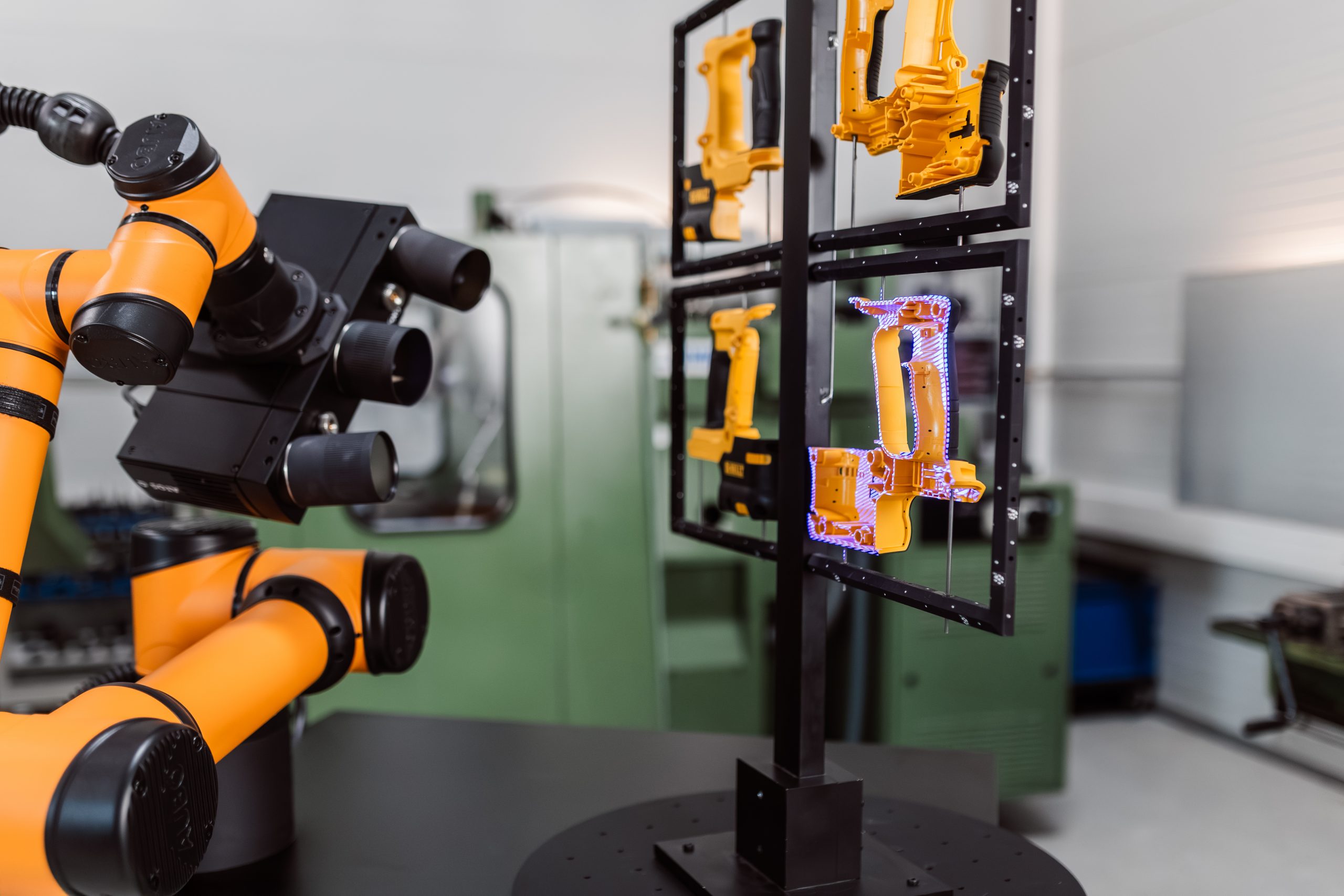
How to
How to inspect multiple parts with ZEISS ScanCobot